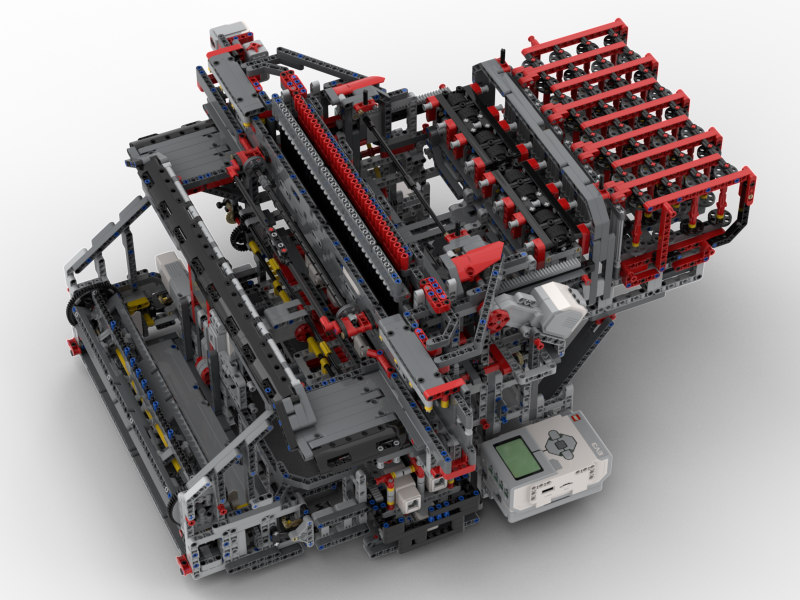
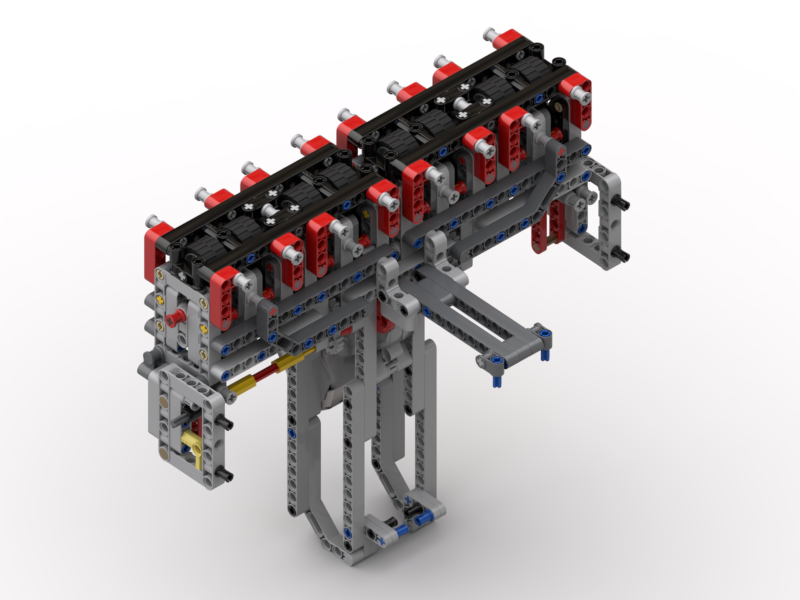
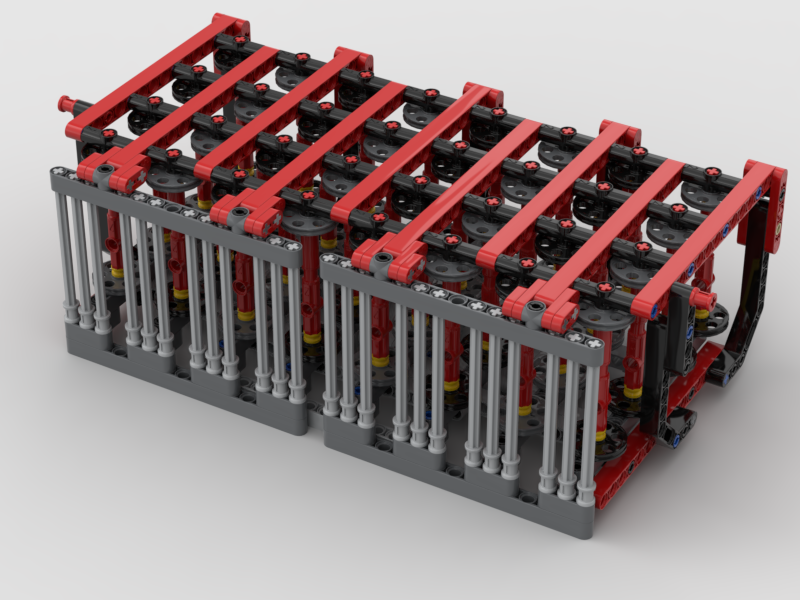
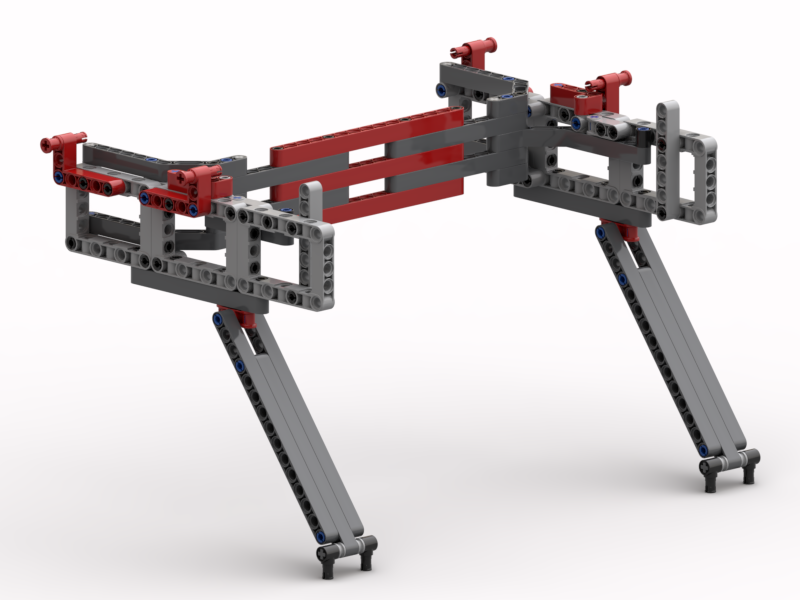
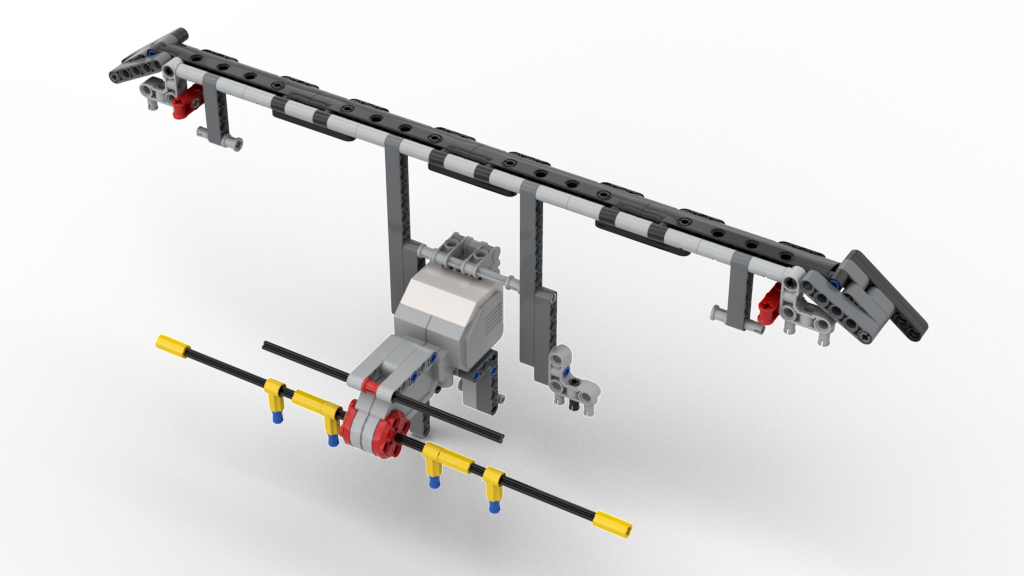
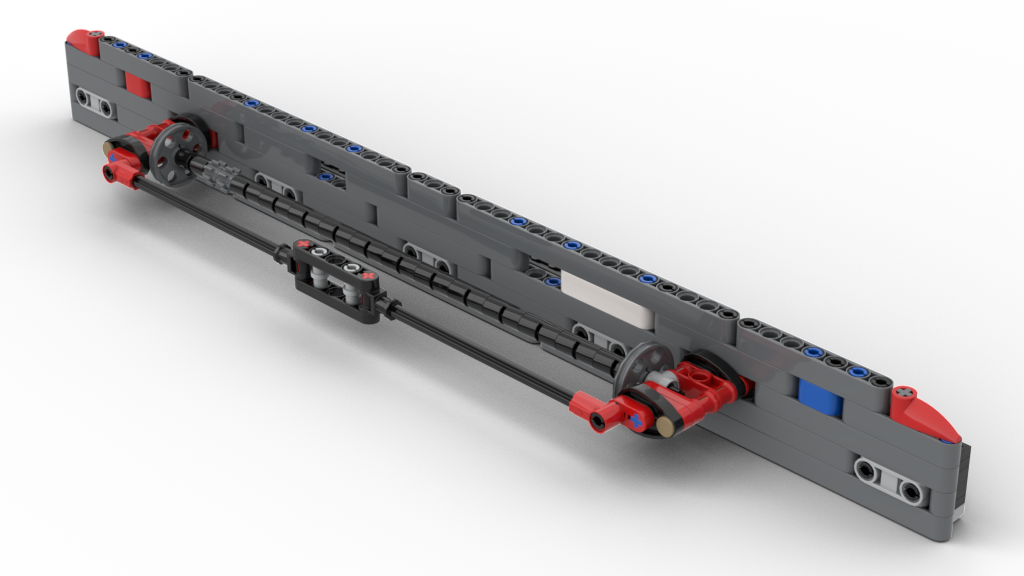
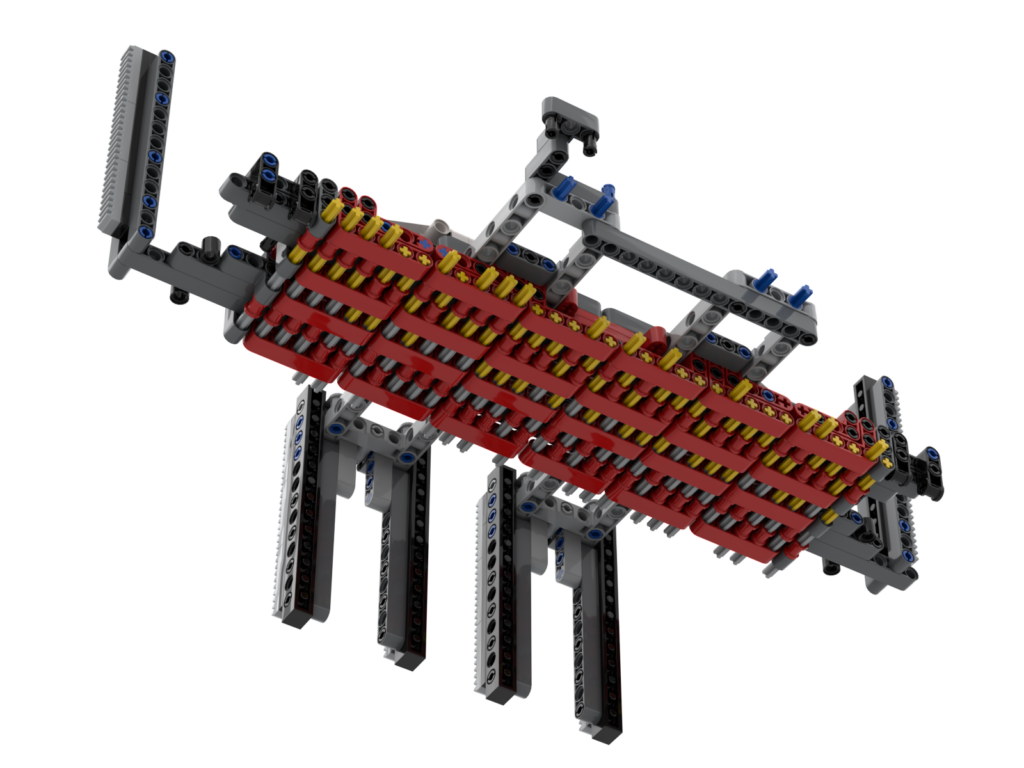
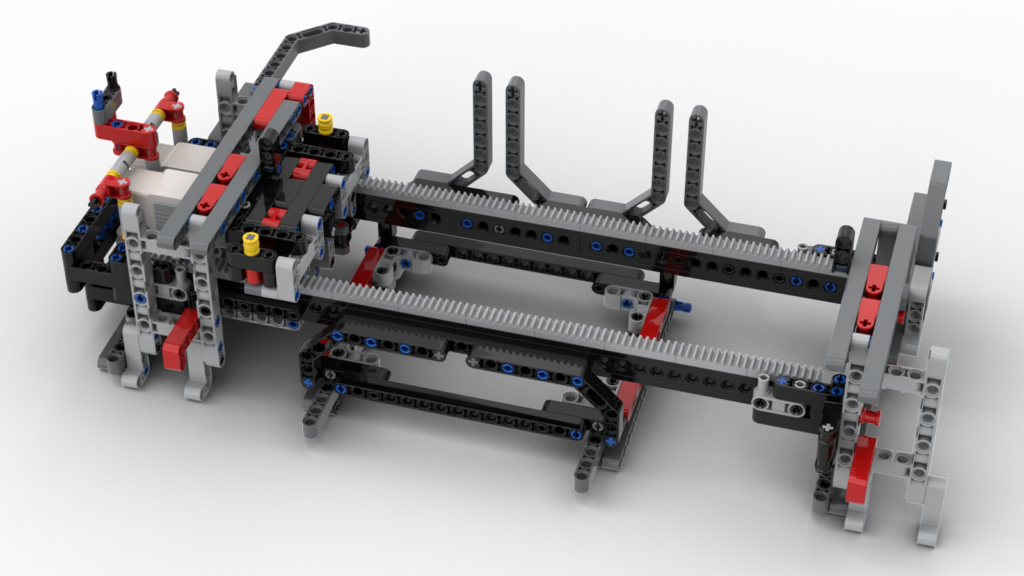
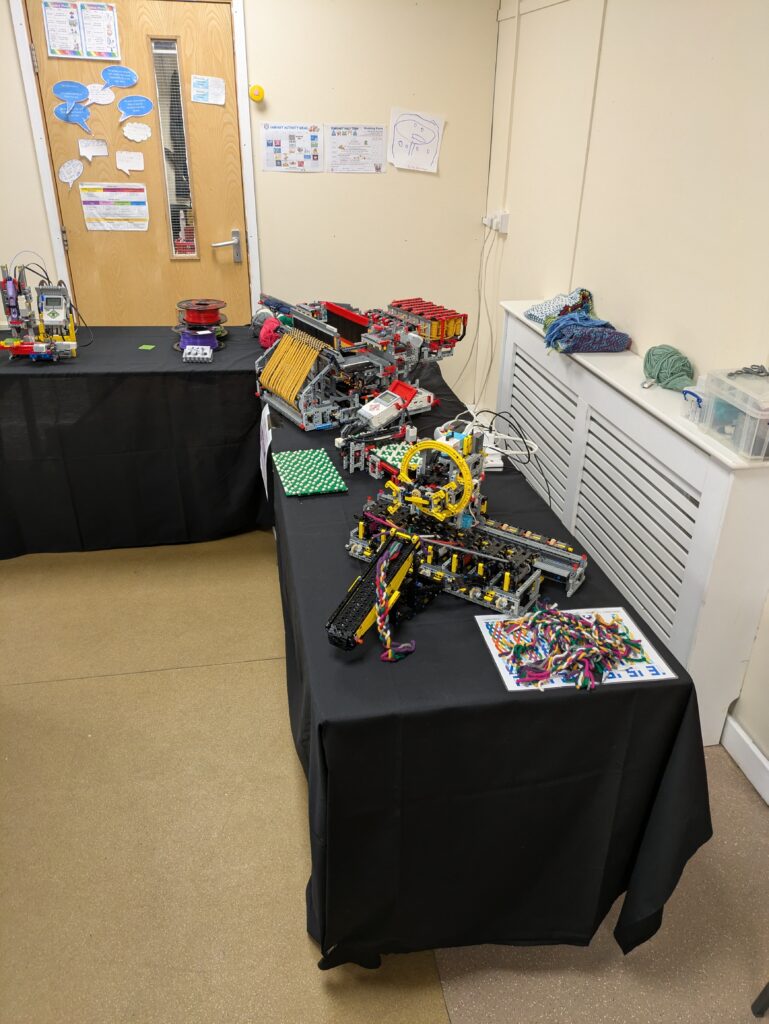
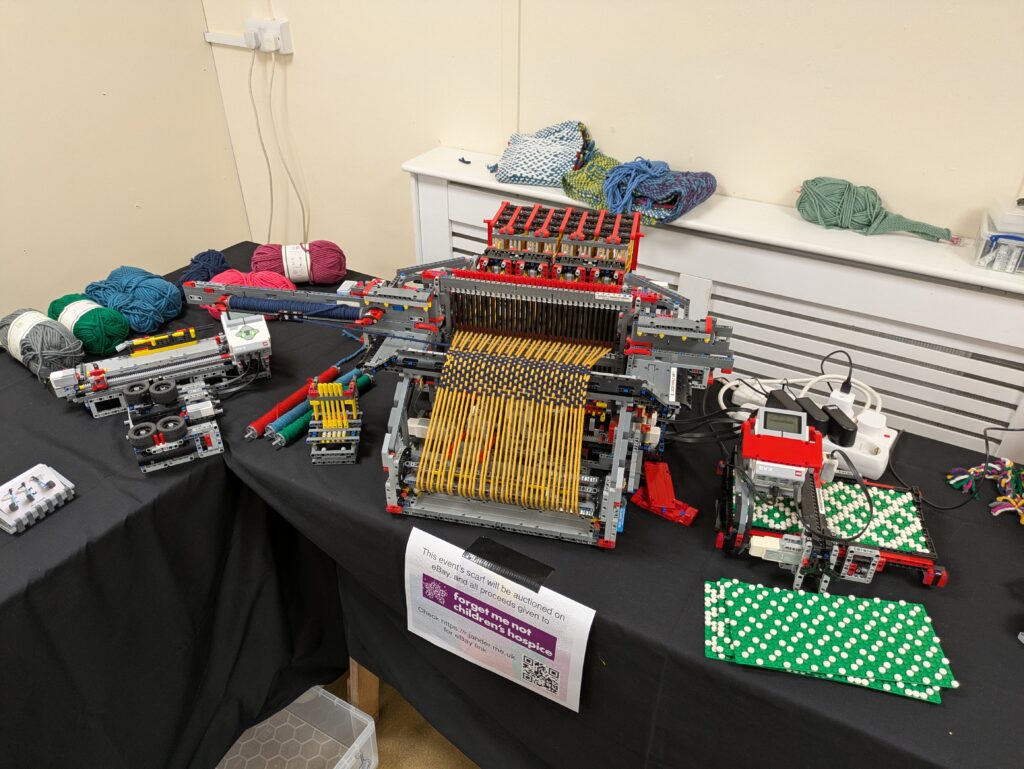
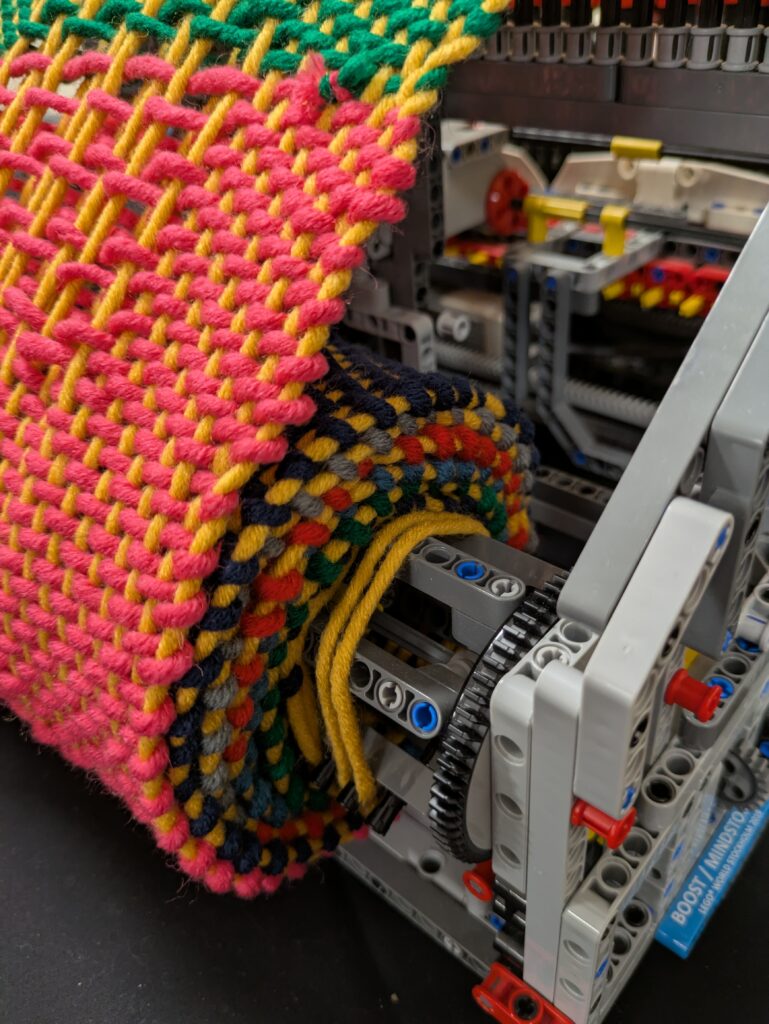
Well. The loom is a very complex model and a lot of it was built on-the-fly as it were. I kept changing things on the original design, back in 2016 (!), until it worked – well, worked enough. A lot of that, understandably, was right on the inside of the model. To make BIs (build instructions) of that would require taking it apart – which was a very scary thought. So, I basically avoided doing that for as long as possible. Since the loom worked, I didn’t want to risk it not working again after being taken apart.
I showed the loom off at Brickstastic ’26 this year. Unfortunately, on the first day, one of the large motors died. You can of course guess whereabouts the motor was. Yup, right inside. It was the heddle lift motor which, to be fair about it, has the hardest job and had done a lot of scarves in its time. It took me about 15 minutes, kneeling on the floor, to extract the dead motor and to swap in a spare – which I had fortunately decided to take with me. Over the past 2 years I’ve had 4 large motors fail on me in various robots, so I was concerned that another might fail.
Given that I’d had this failure, I was concerned about the other motors. So I figured it was time to bite that metaphorical bullet and give the loom a good clean, swap out any stiff motors with my spares, and take the opportunity to make the BIs.
A quick aside about motors
Thankfully I had a few spare motors in. Initially destined for a possible knitting machine which, according to my current thoughts, will need 15 motors! Having had 3 motors fail, before this one, I’ve been investigating options for repairing them. The large motors are actually relatively easy to take apart. The brass gear on the motor does need a blow torch, a catering one works, to remove as it’s an interference fit. The issue I’ve found is getting new DC motors with the correct speed. That hunt has failed me so far. I did succumb to buying some clones from AliExpress and, apart from cheaper feeling plastic, they do appear to be good alternatives. The speed is correct and they’re a little quieter than official ones.
Back to Build Instructions
Over the years I had already made models for parts that I had either replaced or added, e.g.
New cloth winderWarp thread tensionerBobbin frameBobbin frame supportNew head / scanner
Making the rest of the model has been a labour of love. It’s taken me a couple of weeks of working out how I can pull sections of the loom, and then modelling them.
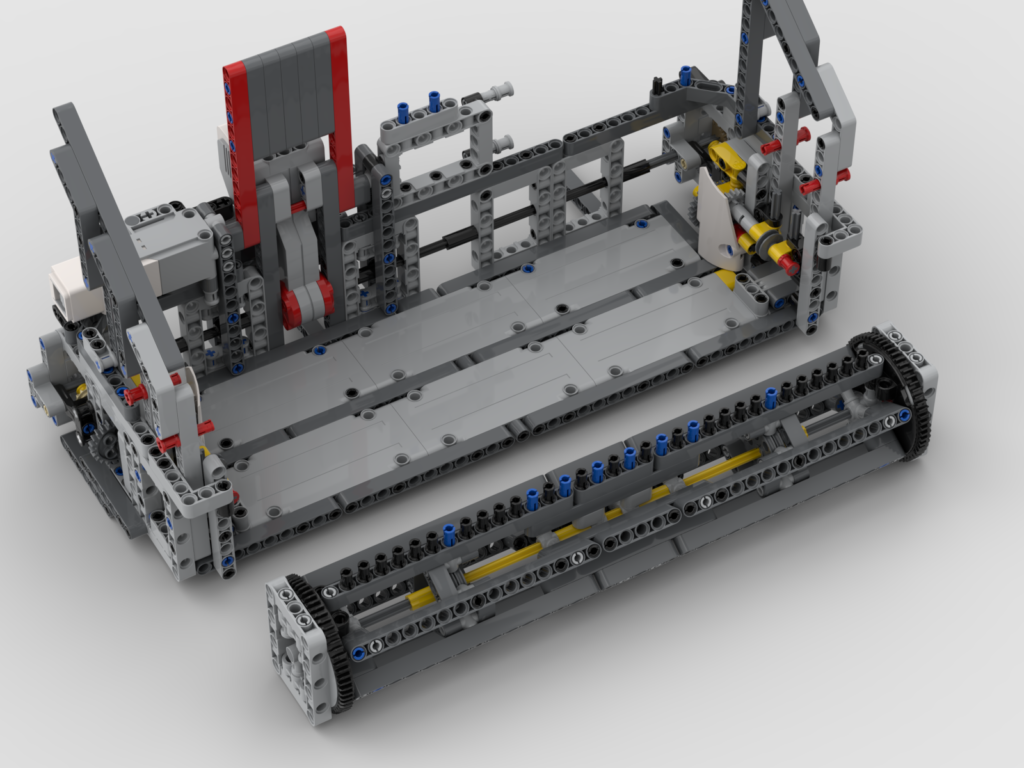
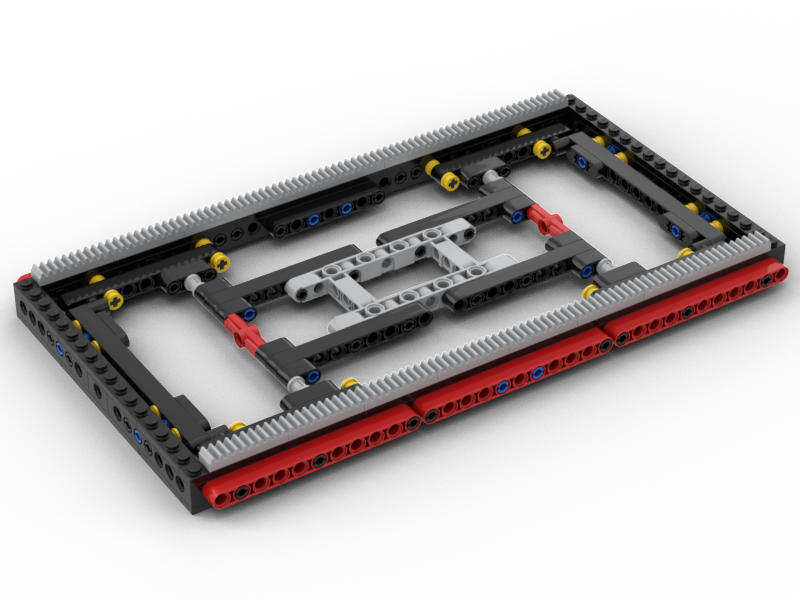
Cloth Support BarThe ShuttleUnderside of the Pattern PinsThe oldest part of the loom – the Pin Setter
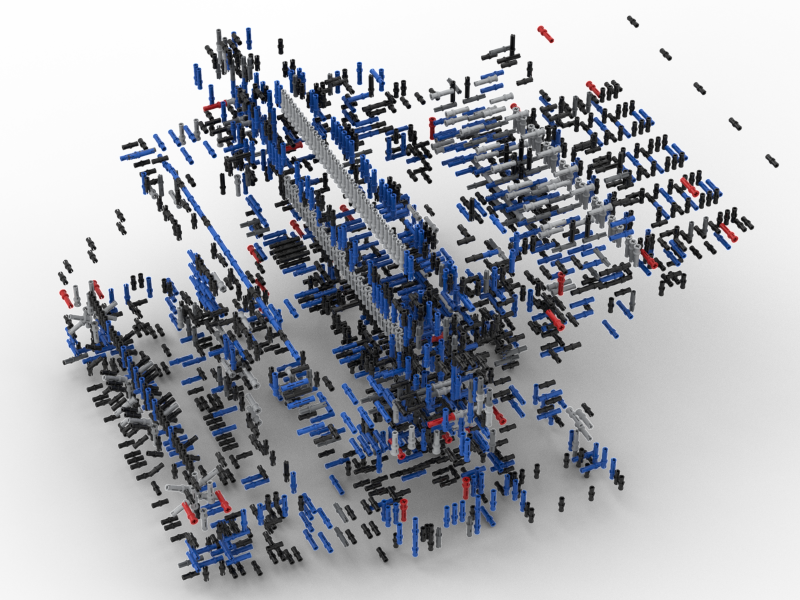
What has amazed me is how many parts are in this loom. I’d always thought it was a couple of thousand or so. I was so wrong. There are 5,659 parts in the body of the loom alone! There are a further 590 parts in the scanner. What then amazed me more is that 40% of the part count is connecting pins, 2291 one of them.
For fun, I have also rendered the above as a rotating animation:
The Bad News
Sorry folks. After putting all this effort in to making the BIs, I’ve decided that they’re currently just for my benefit. I like the fact that this is a unique model and that there is only one of it in the world. The BIs are rather complex and I made the decision that some sub-sections would actually require a bit of dismantling to get into place as it made the modelling easier for me. The other issue is that the loom is programmed in EV3g, which will be hard for many to find the application for.
What I may consider is releasing a “single step” LDraw file with all the parts in the right places so others can at least look at it as a model. I’ve not yet decided on that.
The Future
Now that Pybricks supports the EV3, I am planning on re-writing the whole system using that. I can’t really start on that until Pybricks supports Bluetooth as there are 3 EV3s in the model that communicate that way.
Maybe, when it is in Python, I might re-consider my thoughts on sharing the BIs. I’m still not sure on that though.
A little over a year ago I designed a Braille Bricks reader. I was pleased with how that came out, until I tried to demonstrate it at a show. It was struggling to accurately read the boards. After some thought it became clear that the whole structure was too flexible and the table at the show was uneven which was causing the problem. Since the bot moved over the entirety of the board, there could be variations in height of the bricks causing the misreads.
Redesign
For various reasons I didn’t tackle the issue with the misread for several months. When it came up to the next show I still hadn’t tackled it, so I decided that I’d revisit it after the show.
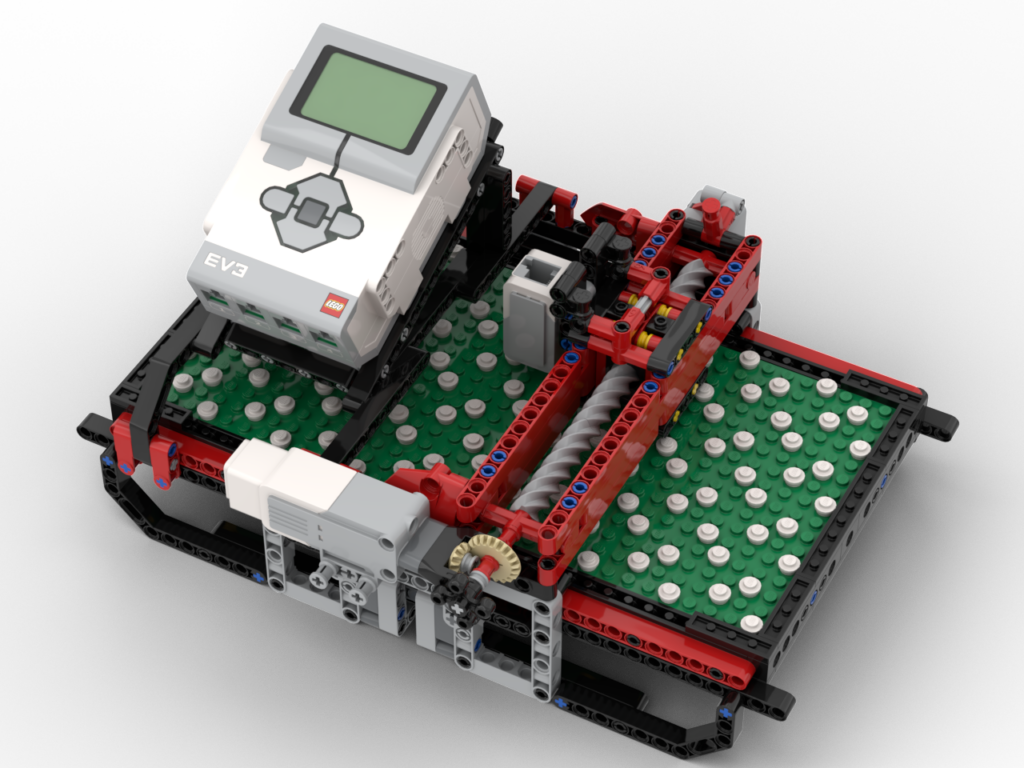
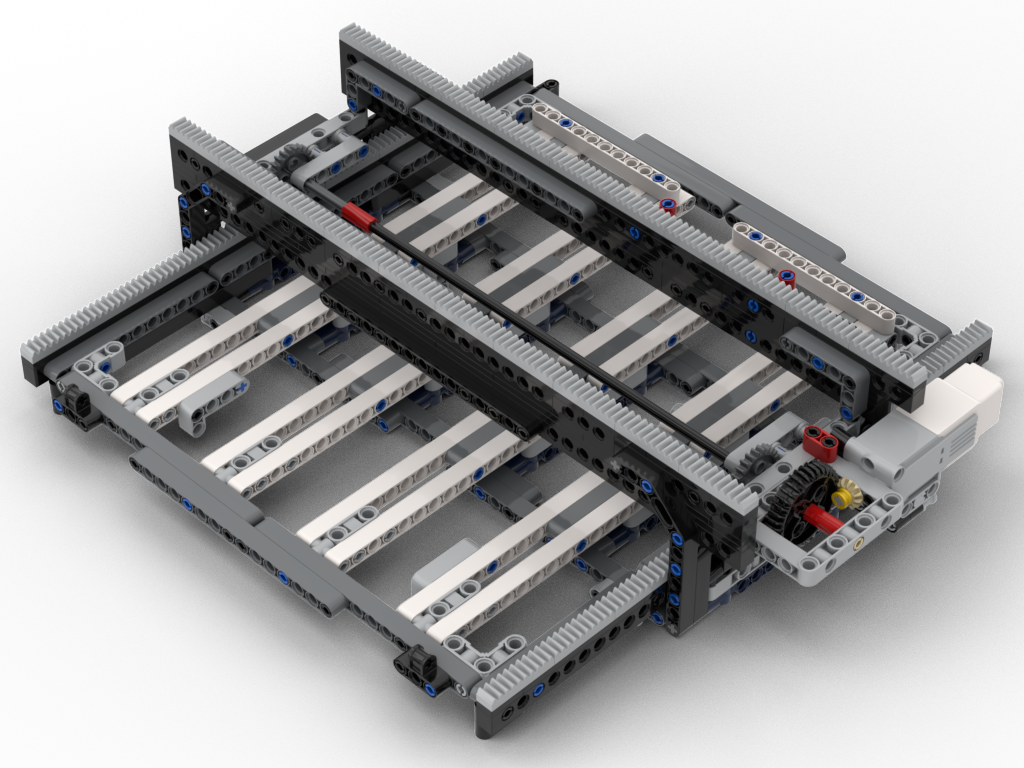
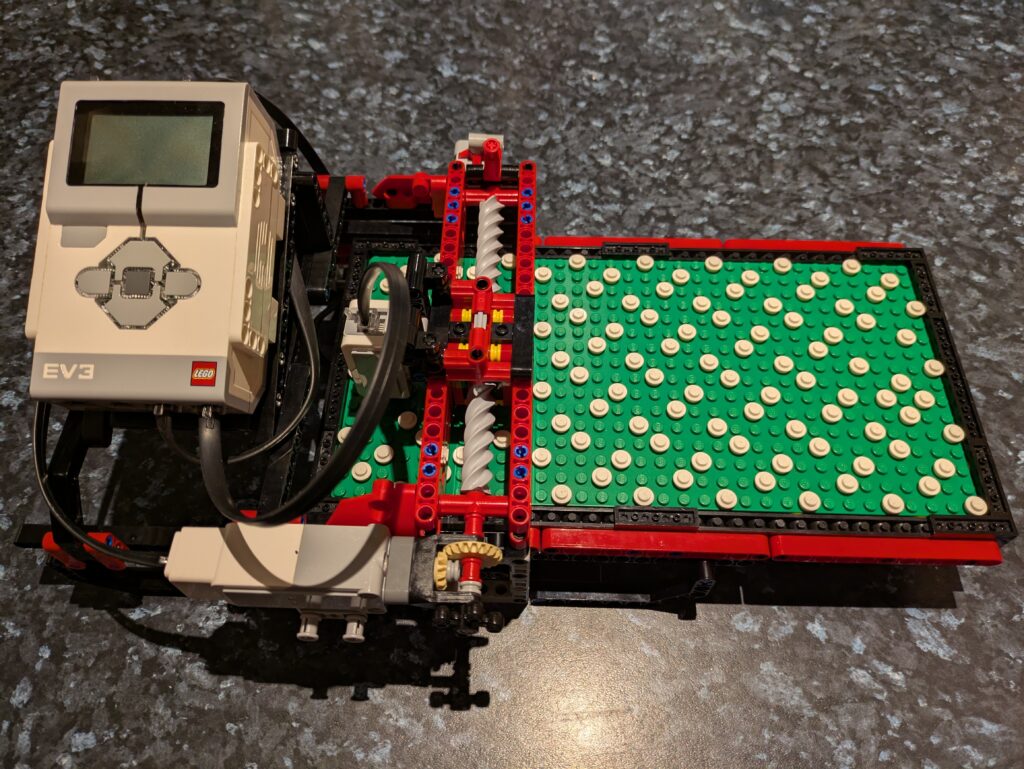
To make things sturdier I decided that the bot would stay in one place (whilst reading) and the board would move underneath it – in a very similar manner to my loom’s pattern scanner. This would allow the ‘bridge’ structure to be stronger as it would be anchored properly underneath and, also, a consistent support under the board. It does, however, mean the bot needs more space to operate; the original one needed ~40L horizontal space vs ~66 for the Mk2. I think that’s acceptable for the purposes or showing.
(Re)Coding
When it came to recoding, I was rather fortunate. The original design used a 1:1 gear ratio driving an 8T gear to move the board. This one, to resist gear skipping, uses a 24T gear, so I’d need to down gear 1:3. By fluke I’d decided to reduce the load on the motor by using the 12:36 gearing (visible in the pictures above), so ultimately it was still a 1:1 gear! All I needed to do was change the direction of the motor which is easy to do in Pybricks on ev3dev.
I also needed to tackle the ‘touch’ sensing code. The original design’s ‘bridge’ would sag, which meant the ‘finger tips’ were closer to the board than on the redesign. This had a knock on effect that the test for a column with no studs could fail and be detected as no brick present, i.e. a space. All that was essentially needed was to extend that range a little along with some other logic changes.
Recently, whilst working on my Braille Reader rebuild, I decided that it was time to investigate options for an external speaker to increase the volume, as the onboard speaker is rather quiet.
Bluetooth Speaker
I’d seen that other people had managed to get Bluetooth speakers working with ev3dev and Pulseaudio, so since I had a BT speaker lying around I thought I’d give it a go. Unfortunately it wouldn’t connect. The EV3 would see it, pair, but any attempt to connect resulted in a Bluez error. It was an old speaker so I decided I’d get a new Anker (I’m a fan of their stuff) one, which would also see duty with my bat detector as well. That also didn’t connect. I’m guessing that the EV3 wants to use a rather old protocol that neither of my speakers supported, which is a shame.
USB Audio
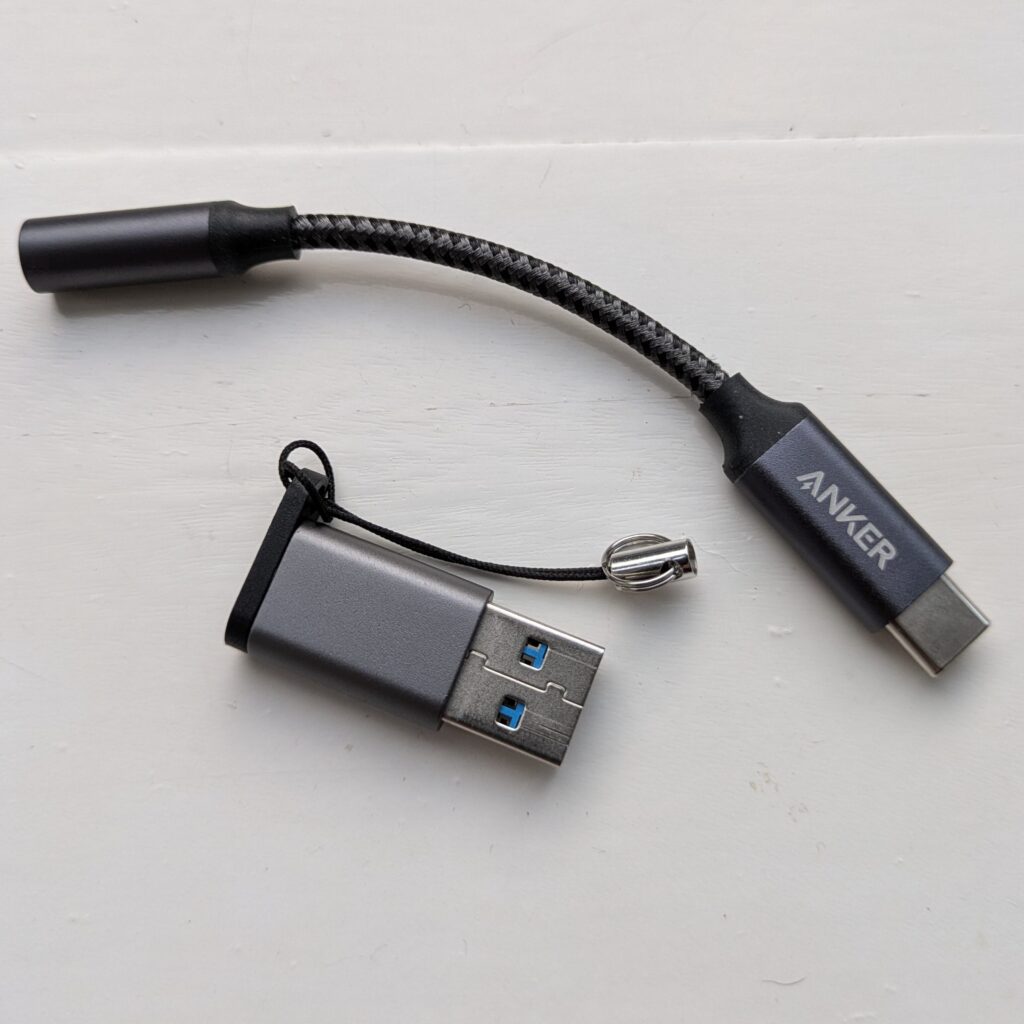
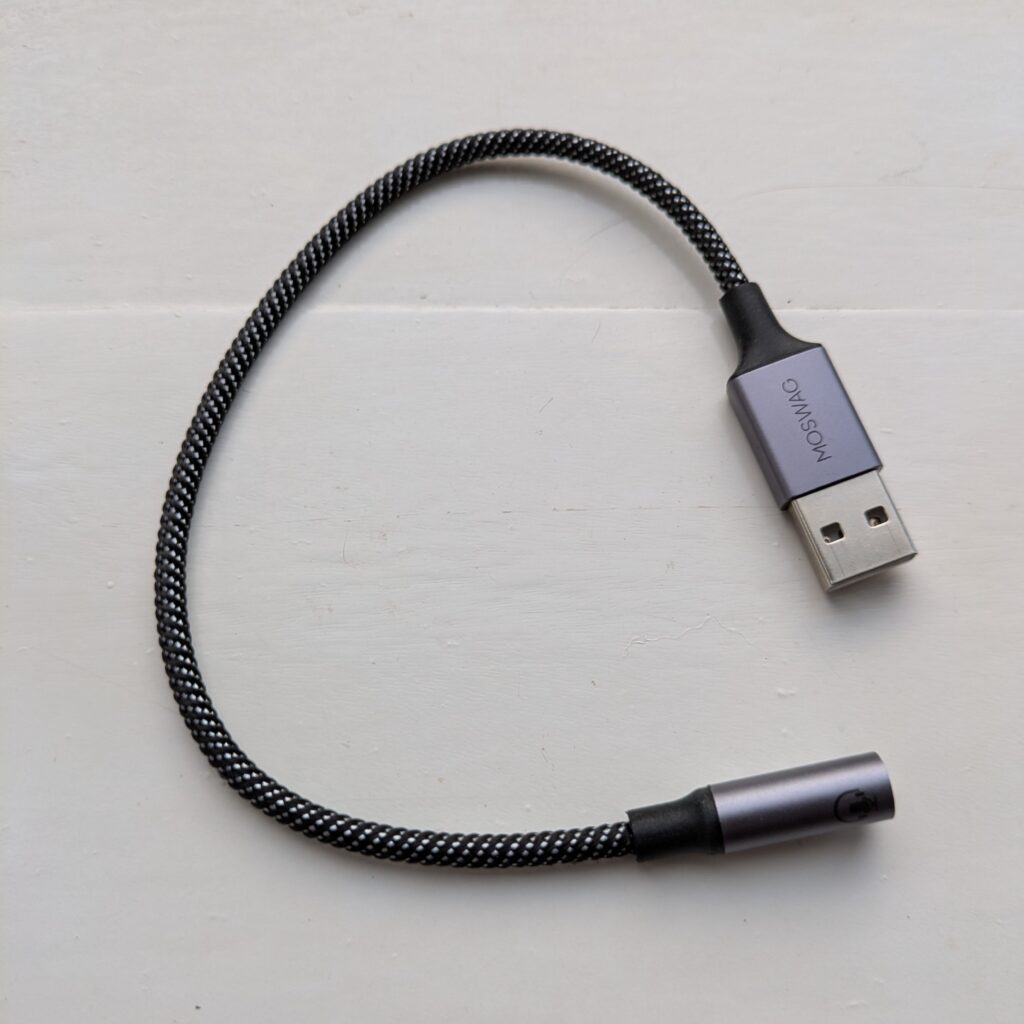
Not one to give up on using an external speaker I wondered if USB audio would work instead. When I changed my phone, I ended up buying an Anker USB-C to 3.5mm headphone DAC:
I did need to use a USB-A to USB-C adapter, but it worked. It worked really well, on the whole. Using USB alone didn’t require Pulseaudio to be installed once I’d set up the .asoundrc file in ~robot:
defaults.pcm.card 1
defaults.ctl.card 1
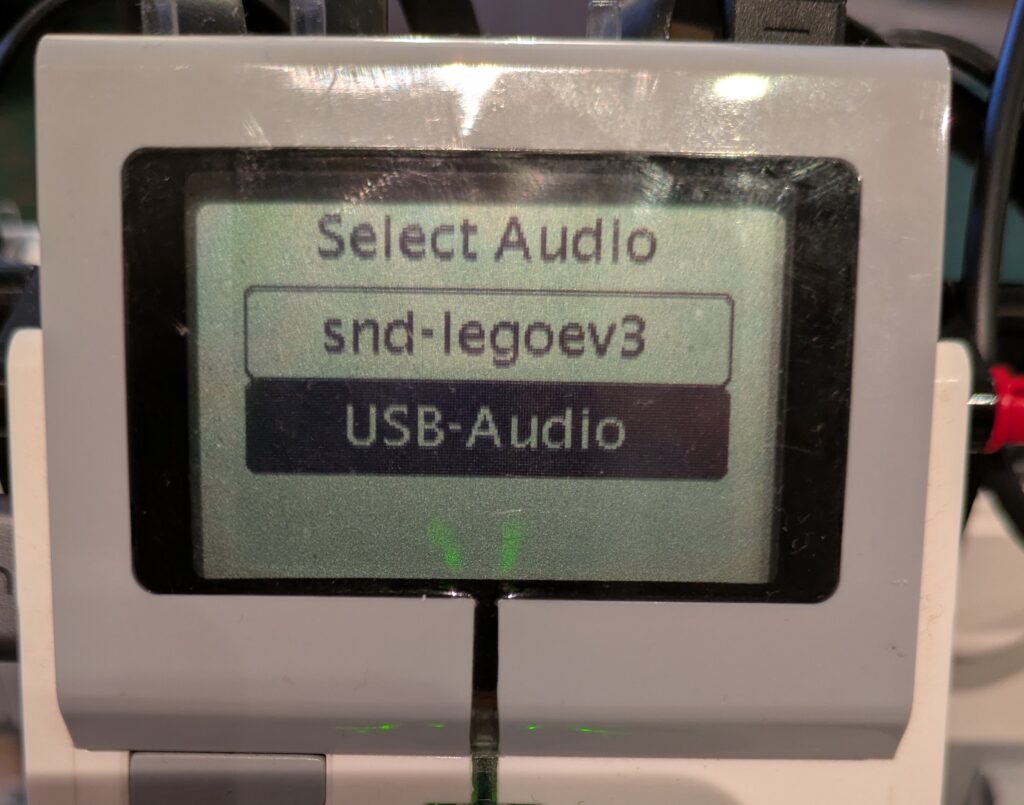
The downside to using .asoundrc is that if the USB adapter wasn’t plugged in, there’d be no output. So I decided I write a little audio configure function that could be called at the start of my program to detect if there were any additional audio outputs and present a menu of choices, defaulting to the current one in .asoundrc:
If only the onboard audio is available, no menu will be shown and it sets the .asoundrc to use device 0.
Issues
So that I didn’t need to use the USB-A to USB-C adapter I did buy a USB-A audio device:
I wouldn’t suggest using that one. It’s very, very, quiet and the audio quality is poor. It glitches and, worst of all, it chops off the beginning of any sounds played to it which, given I want to use it for speech output, isn’t useful. The Anker unit is just so much better: louder, smoother, and plays the entire sound.
The other issue I came across is that using the ev3.speaker.say(…) function would often crash. It appears that the EV3 isn’t powerful enough to manage sending USB data whilst generating speech via espeak and sending that on to aplay. My answer to that is to manage all that in my own code and temporarily write the speech output to the /run/user/1000 tmpfs directory – that way it won’t damage the SD card:
    def Speak(self, text, filename=None):
        if filename:
            play = False
        else:
            filename = "/run/user/1000/speech.wav"
            play = True

        os.system(
            "espeak -a {} -v {} -s {} -p -w {} '{}'".format(
                self.speech['volume'],
                self.speech['voice'],
                self.speech['speed'],
                self.speech['pitch'],
                filename,
                text
            )
        )

        if play:
            self.ev3.speaker.play_file(filename)
The code above accepts a filename as, for the Braille reader, I pre-generate some cached text prompts.
Utils Code Library
I’ll blog separately, but I refactored all the code that was used to generate the device selection menu et al into its own package so that I could release that. Hopefully it’ll be useful to someone else.
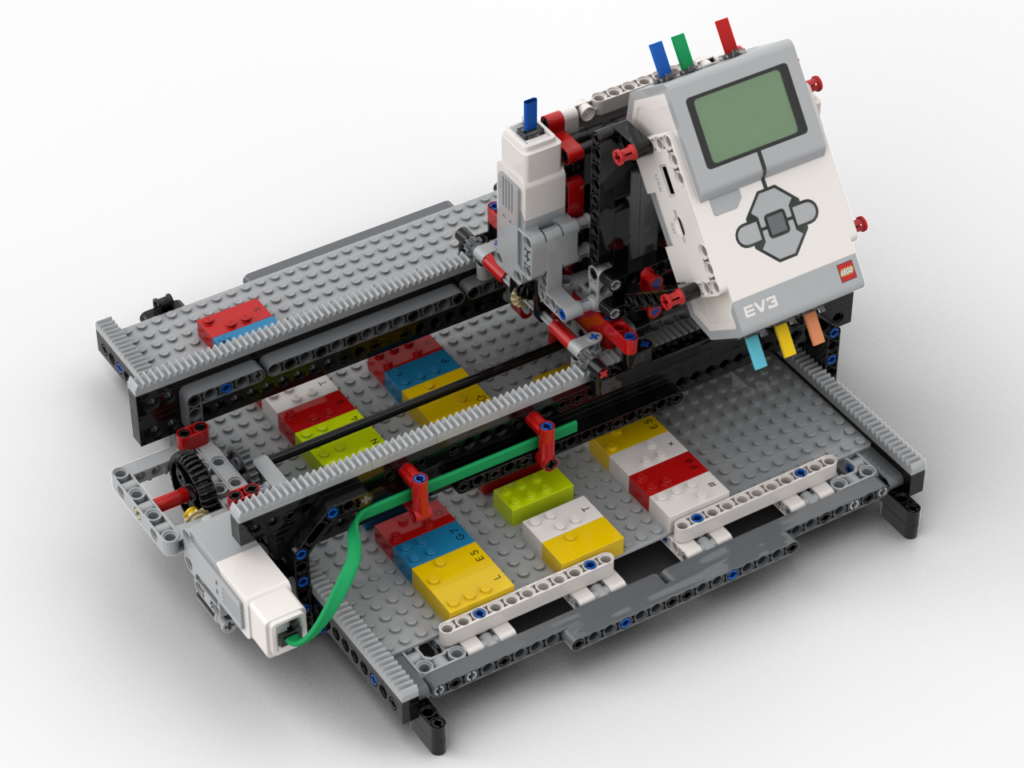
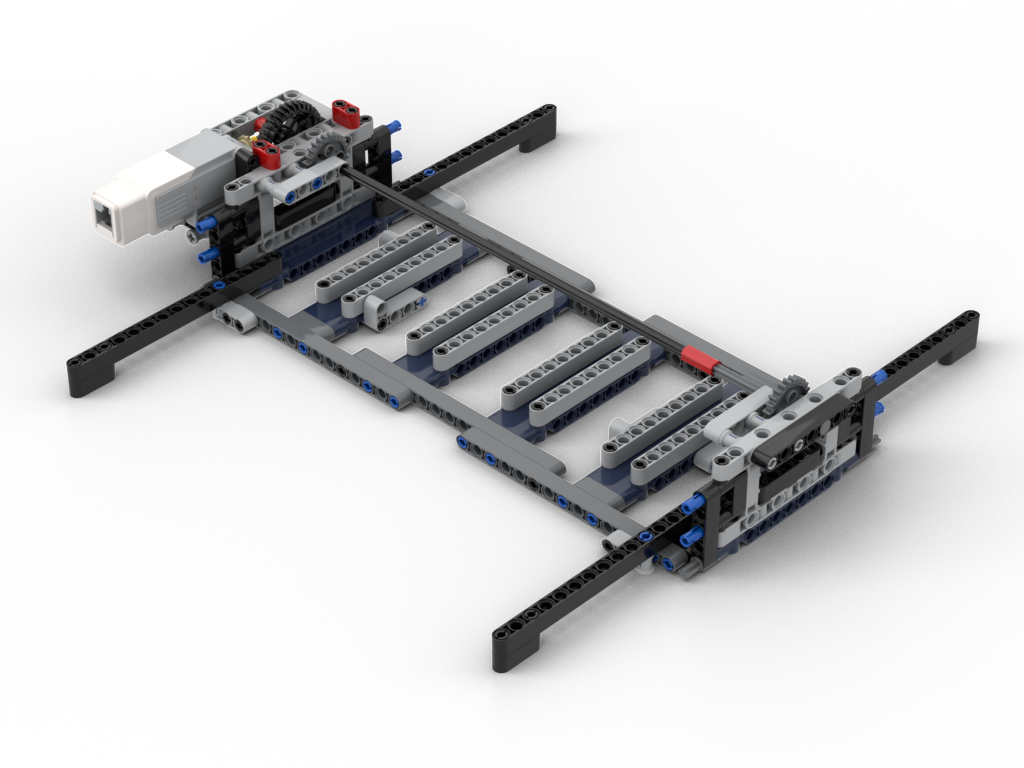
My redesign of the pattern board scanner part of my loom is basically complete. As it currently stands it’s a standalone scanner. It works ! It’s much faster than the old system and is really clean in its operation. I need to retrofit the new code into the loom controller code, which I’ll do in a few days’ time. Before that I want to deal with how the unit will sit on top of the loom, so I need to put the loom back into its operating state and get thinking.
Releasing the BIs and Code
Since this is working as a standalone device, and I’ve posted about it a couple of times on Facebook:
I’m, as usual, going to post the BIs and code for public use. I’m licensing them under the Creative Commons Attribution-NonCommercial-Sharealike 4.0 International licence CC-BY-NC-SA 4.0
There are no cables in the BIs – they’re a pain to route so I’ve left them out. The cabling ports and cable lengths are in the BIs. Routing them is left as as challenge to the builder 😉
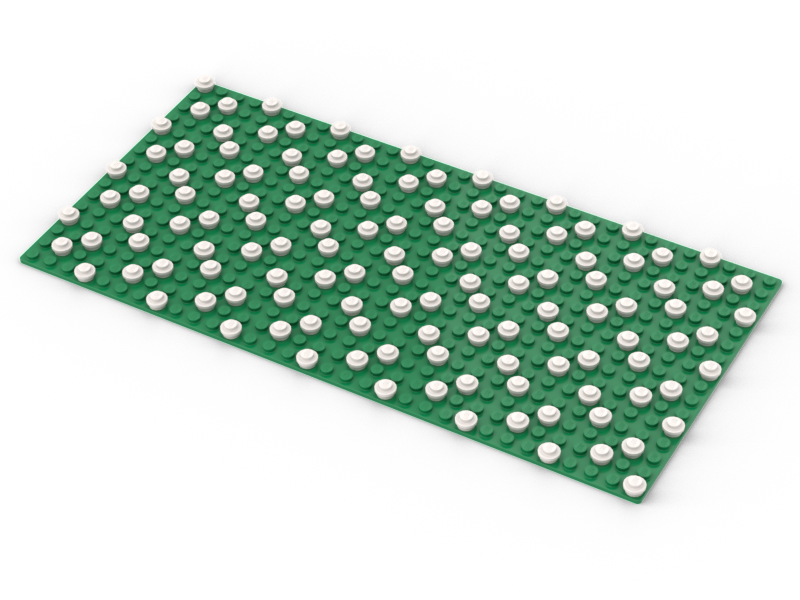
The code will scan a board showing the dots as it goes, then clear the screen, and reshow the code from the scanned data. This can then be used as a base for something else.
The past few times I’ve shown my loom at LEGO shows I’ve not been completely happy about the scanner / head unit. In the original build of the loom it was actually attached to the loom itself, so obviously part of it. Later revisions made it a stand-alone unit, which is good for showing it to people but visitors usually don’t realise it’s part of the loom.
At the most recent show, the scanning mechanism wasn’t working correctly. It’s not needed for the loom to work, as I wrote the code such that I can save good scans and re-weave them from memory. That’s useful at a show as it means I can keep the loom running without the 5 or so minute gap it requires to scan. I’d only scan when people were actively interested in that.
Time for a rethink !
There were two main things I wanted to do with the rebuild:
Have the scanner sit atop the loom, but still have it detachable.
Make it faster and more compact
Point 1 still needs tackling but my intention is to have it sit on top of the loom, behind the heddles. Back there it won’t block view of operation but will most definitely show that it’s part of the loom. It’ll sit on a ‘dock’ for want of a phrase that allows it to be lifted off to show underneath and the unit itself. I want it to be able to face forward or backward, so that I can see the display regardless of where I am at the time. I know roughly what I want to build but I’ll do that once everything’s working again.
New LEGO Parts = Compact Design
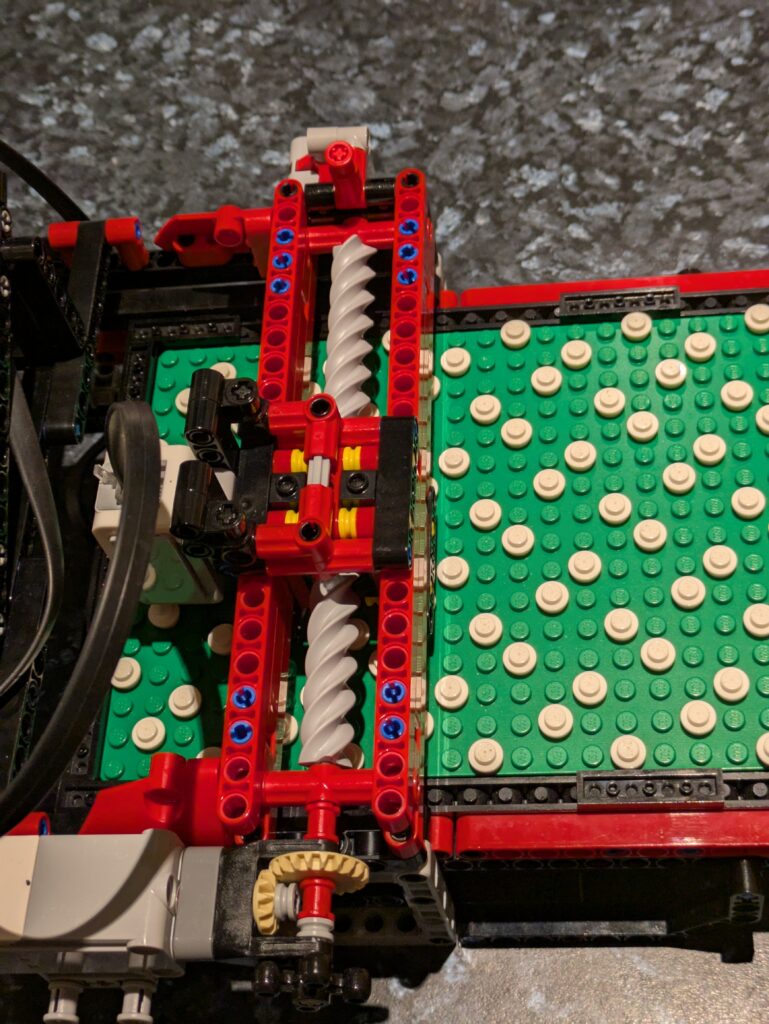
In the past couple of years LEGO have brought out a new worm gear. It’s 6L long, and a 90° rotation is one stud of lateral movement. There’s a 2 x 2 x 5plate threaded ‘nut’ that goes with them. This opened up a much better, and compact, way for me to do the X-axis motion on the scanner. The original build has a rack and pinion system, which meant the scanner needed around 42L of space due to the scanning arm extending beyond the body during operation. The new design is only 29L wide and stays that width in use.
The new gear ‘nut’ is a little tricky to work with as it’s 5 plates high, essentially one brick ± 1 plate. It does mean the worm gear axis aligns on a Technic beam hole, but did require some thought as to how to attach it to studless parts.
Modelling it all
Before I get on with any coding, I’m going to make the BIs first. I keep saying I’ll do BIs for the loom, so every time I make something new I model it then. I’ve still got to take the loom apart to model the inside someday. I’ll probably take that as an opportunity to give it a good clean and gently silicone lubricate some parts.
I only started last night on the BIs, so I’ve gone for the easy bits first 🙂
Coding
Coding’s going to be interesting. I’ve not written EV3g in a little while but I’ll get back into it quick enough. I have an old Macbook Air specifically for that software. I’ll need to read how I wrote the original scanner first as I want to make this a drop-in replacement – that’ll be fun going “how did I make this work?”
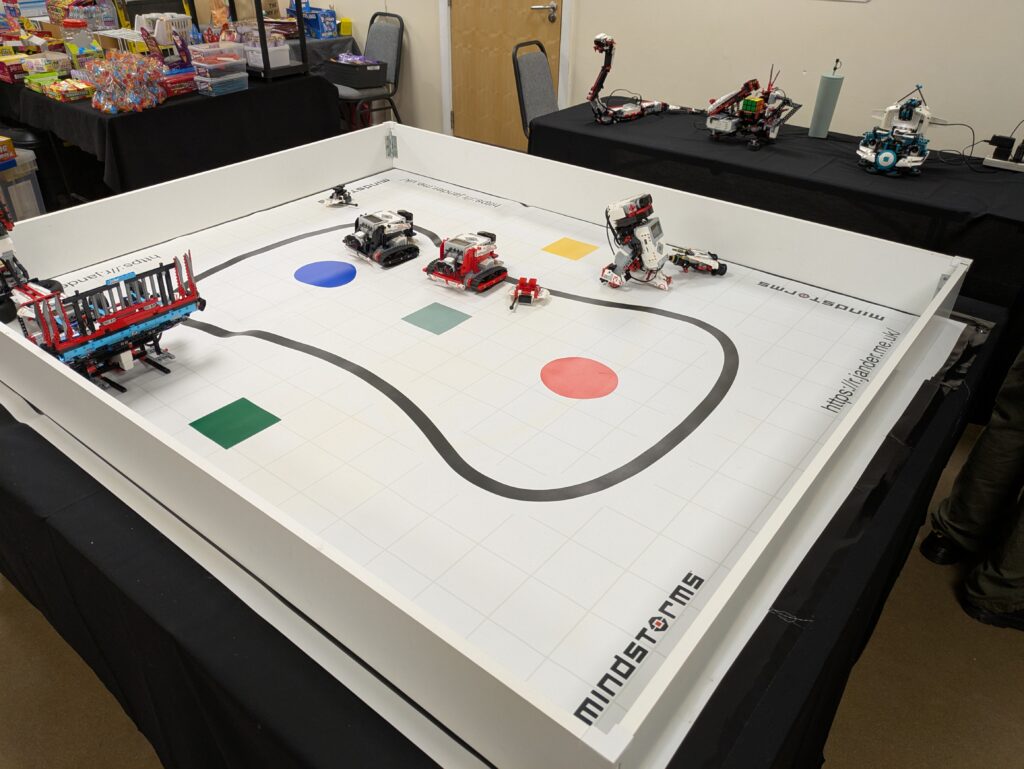
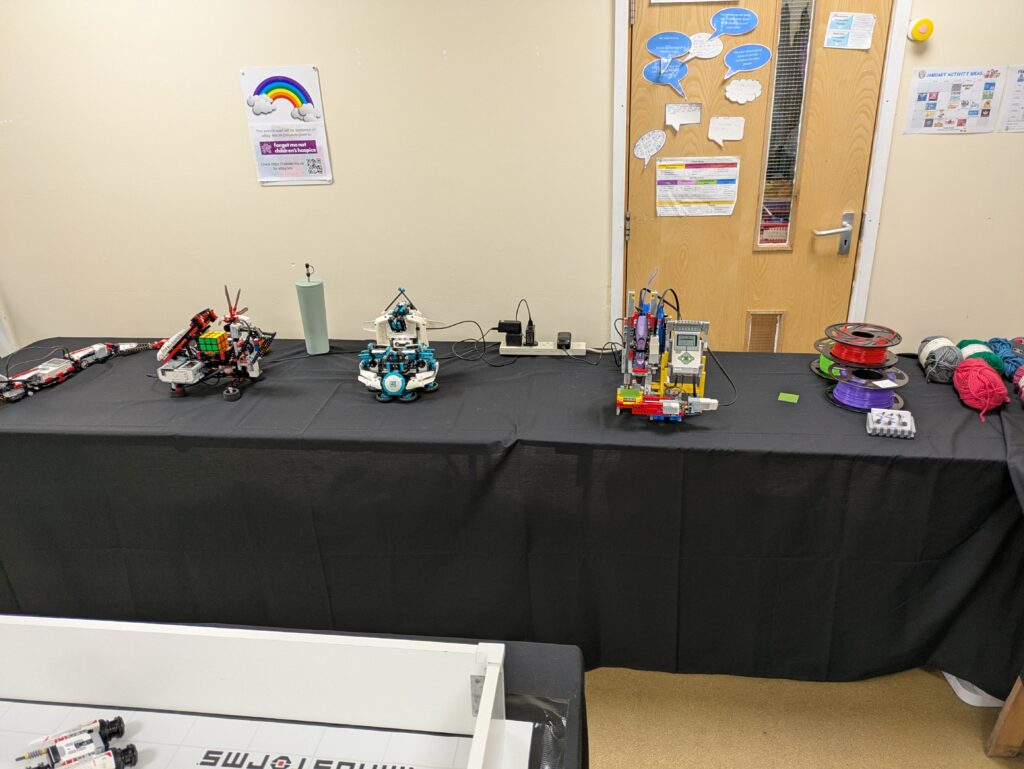
So yesterday was the annual LEGO show over in Mytholmroyd. As usual, a superb but tiring day – I’m not used to 9 hours on my feet 🙂
Surprisingly we went the whole day and didn’t need a single change of batteries, which given that the remote control bots were in non-stop use was rather amazing.
I re-programmed my Bra1der with Pybricks (beta) the week before the show. That proved to be a very good thing. The braider just got on and did its job. No misaligned bobbins going between the slots due to motor overshoots, or weird random slow-downs that the original LEGO firmware used to suffer from. I even tried one of the braids it had been programmed with but I’d never got around to trying. I think it looks rather funky:
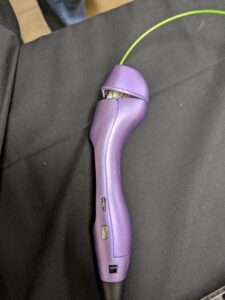
I did have a few issues with some of the bots going a bit potty but nothing insurmountable. The Mindcub3r did go through a period where it wasn’t solving cubes at all – not sure what was going on there. The only thing I can think of is that the EV3 was still set to a 30 minute sleep, so maybe the internal solver was getting killed? Who knows. I did have one casualty. The 3D art pen in the EV3DPrinter blew itself up:
The nozzle got blocked and the filament feed, being at the back, managed to pop the end off. So that was that for the 3D printer for the day. That was a shame as I like having that running. I have done some maintenance on the pen today, so I hope that will be back in operation for the next shows.
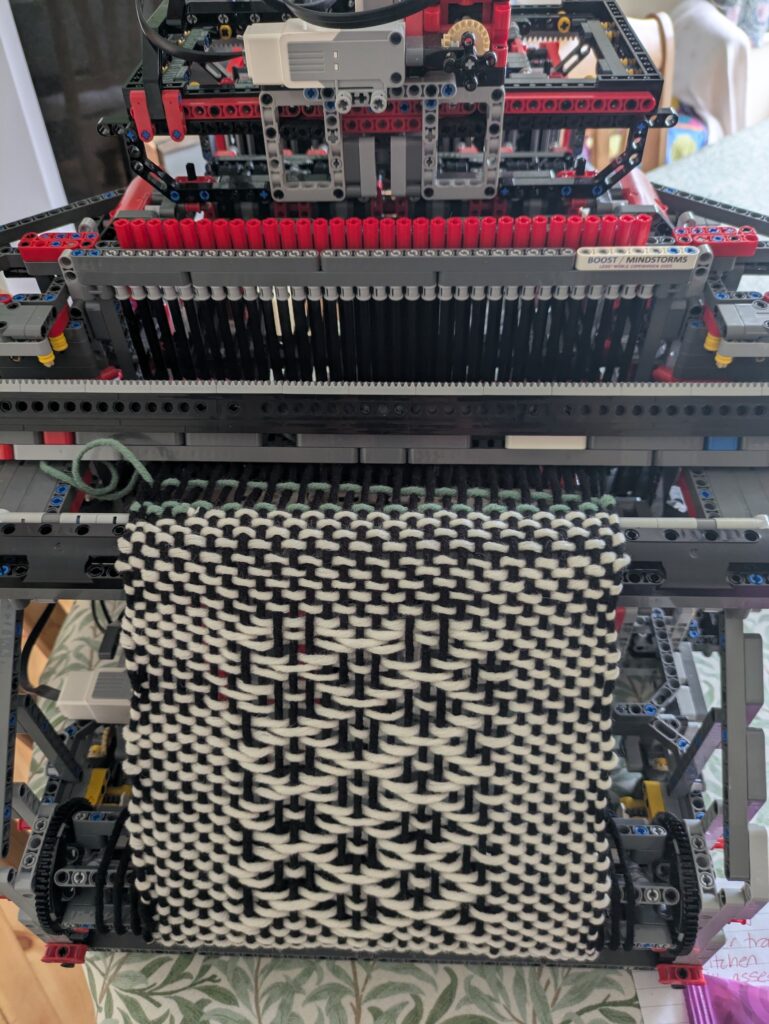
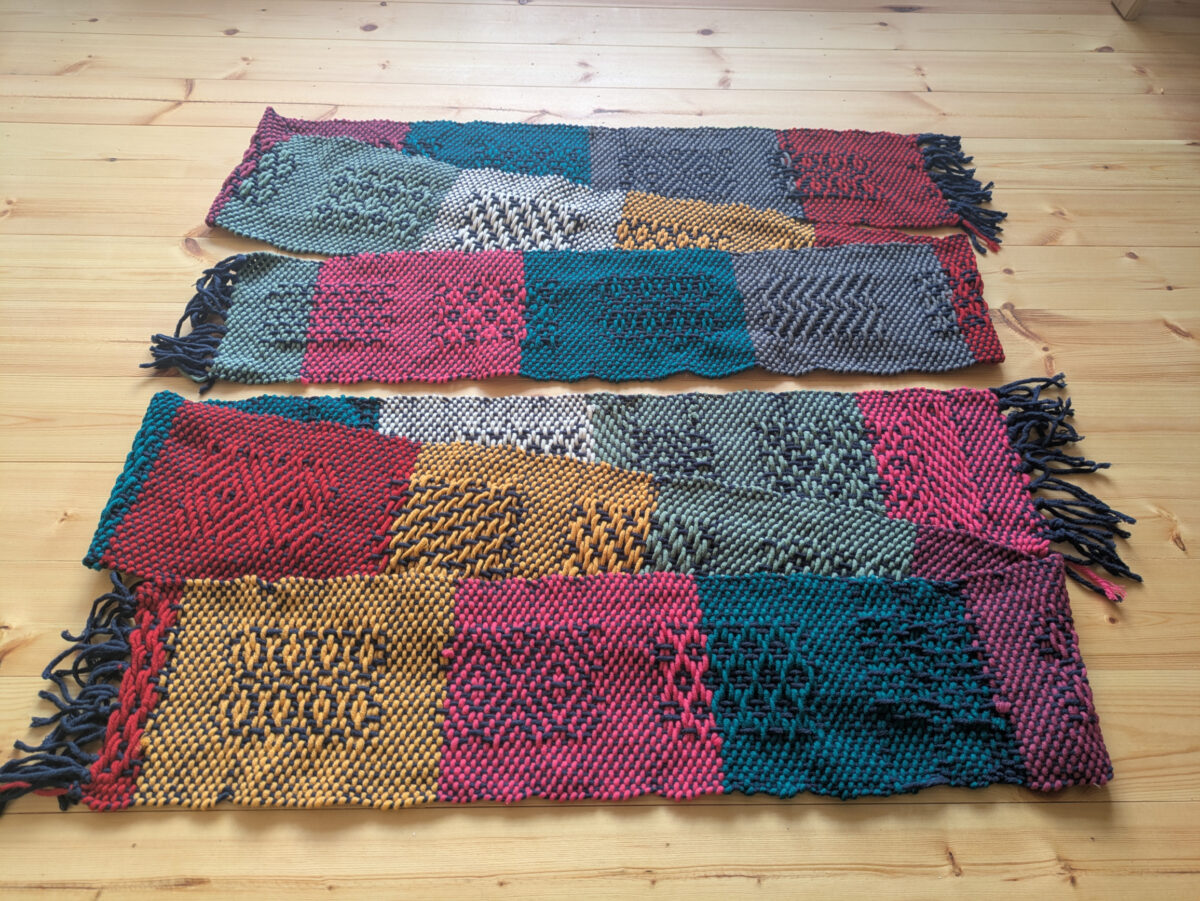
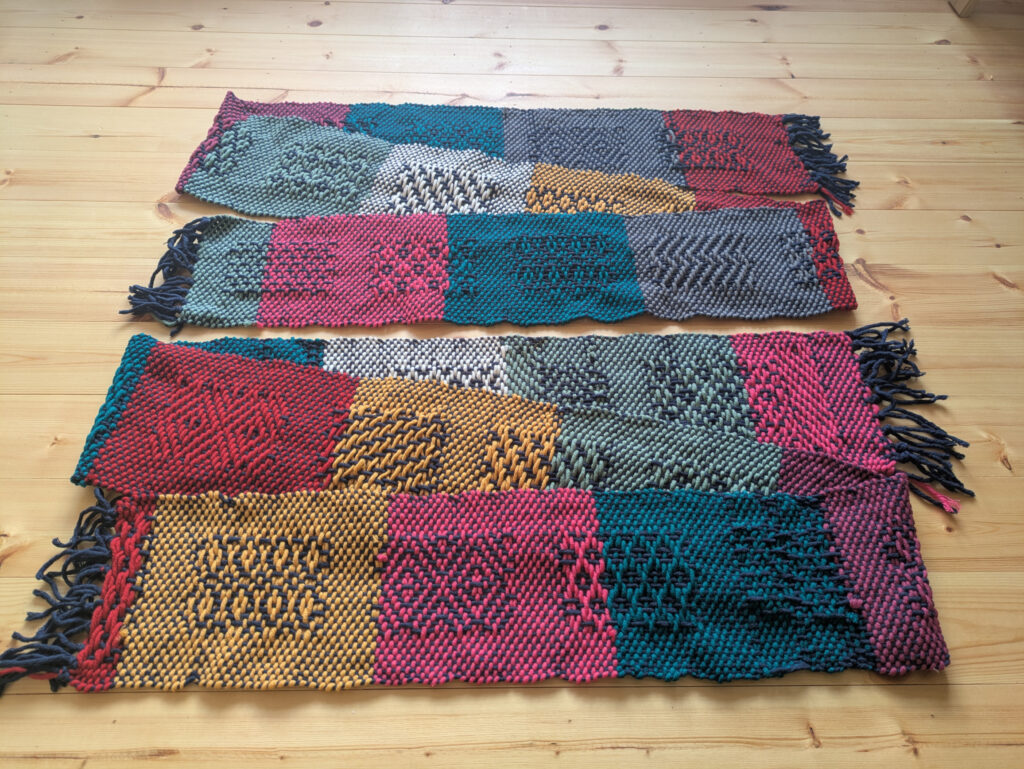
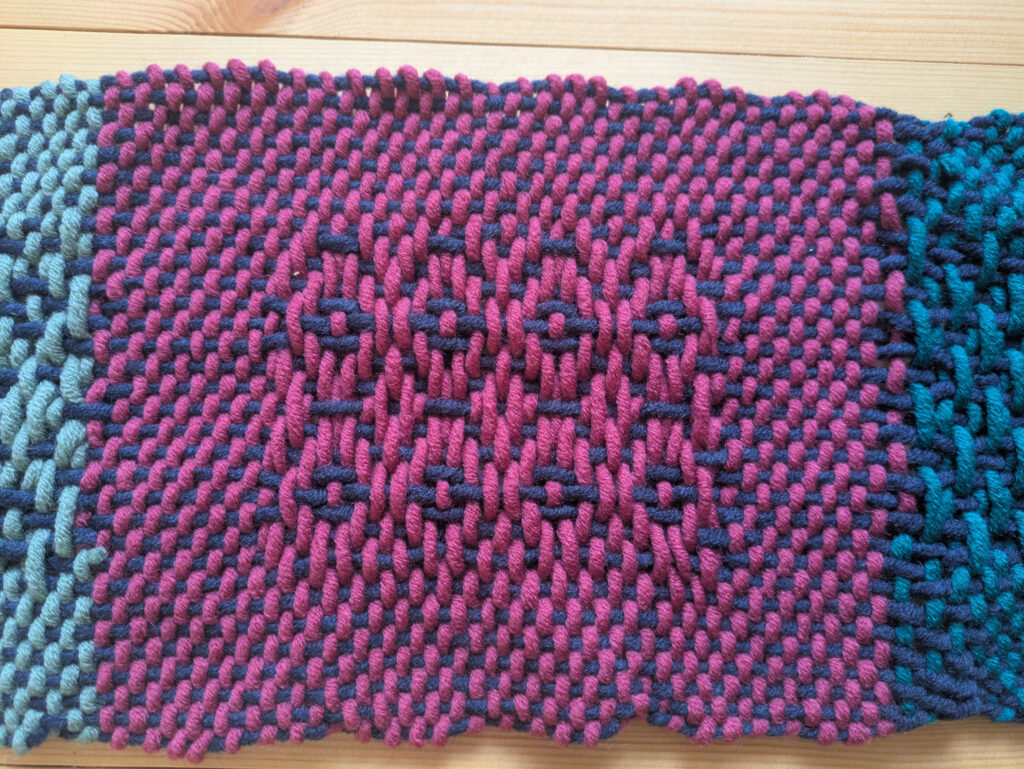
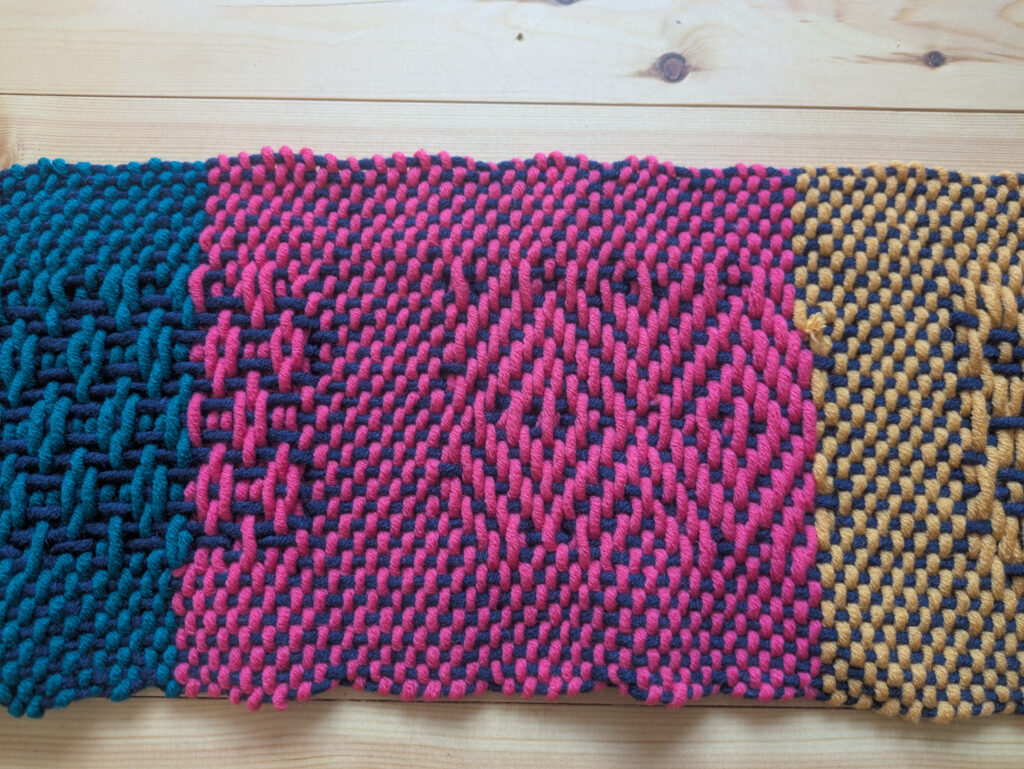
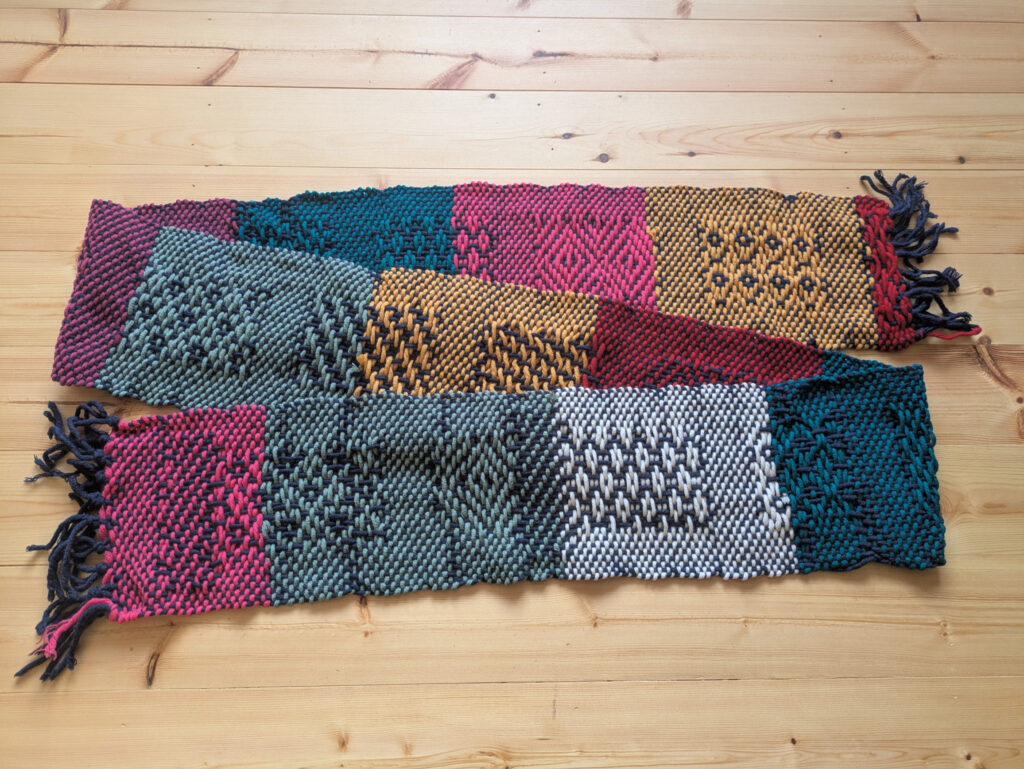
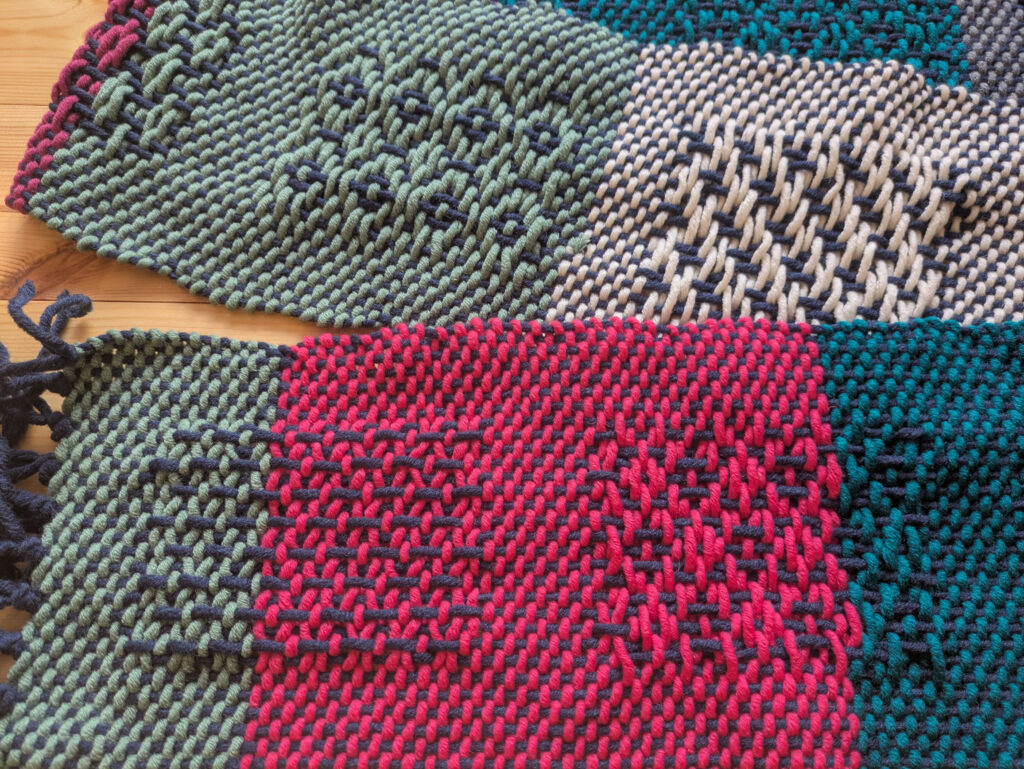
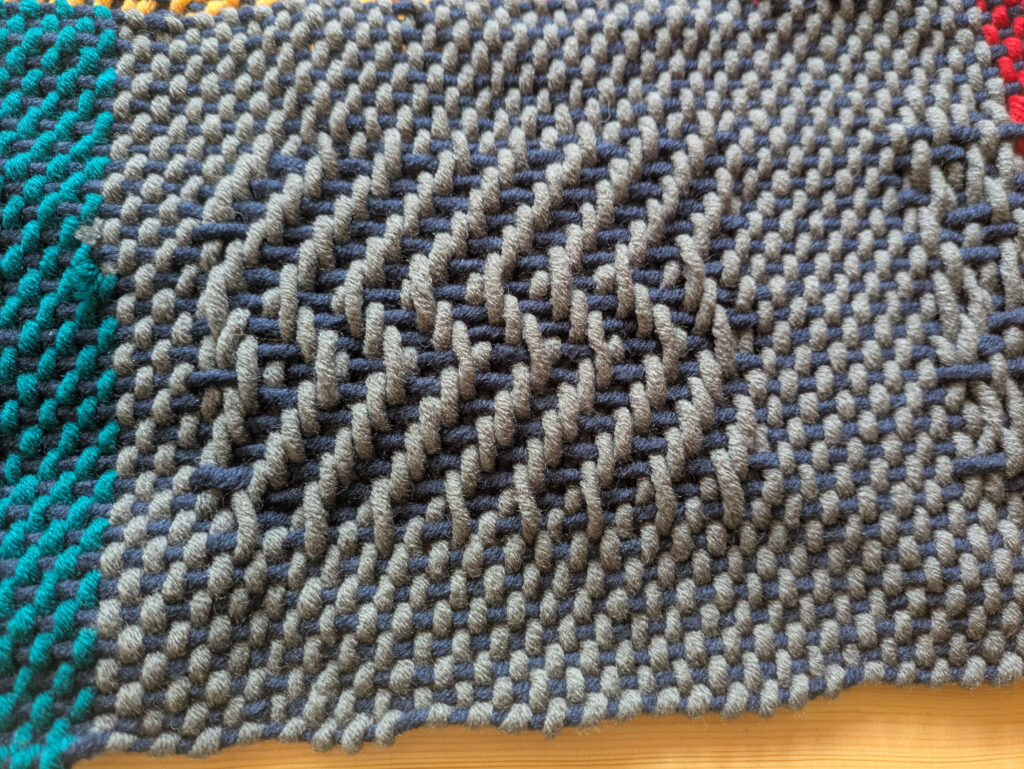
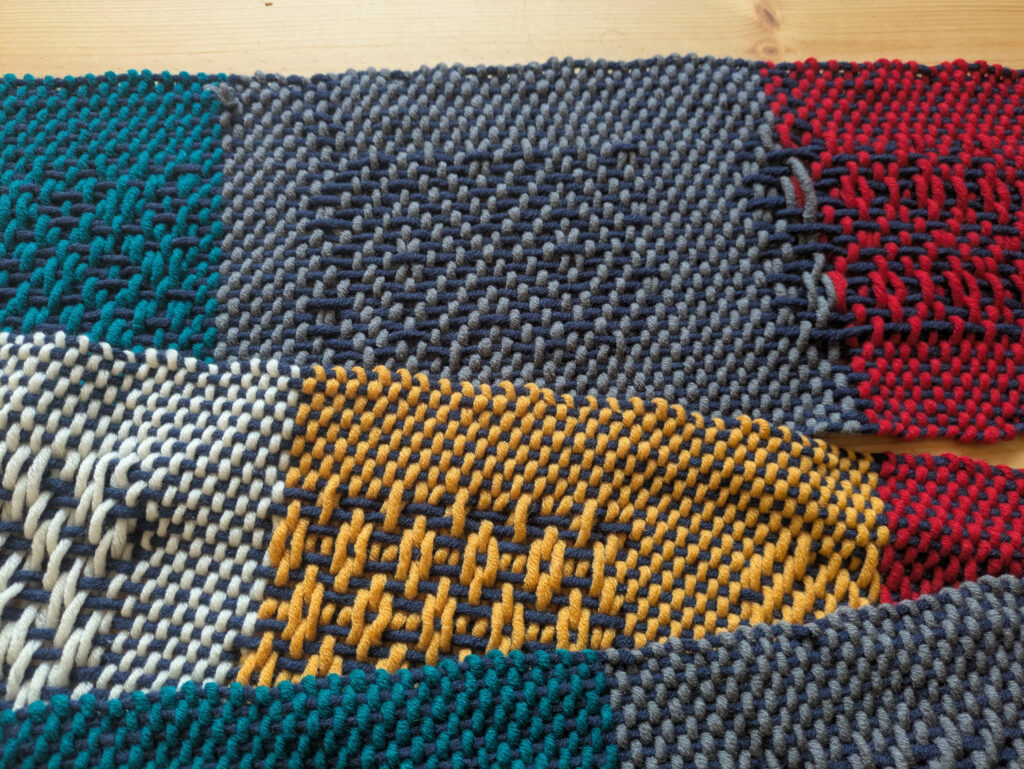
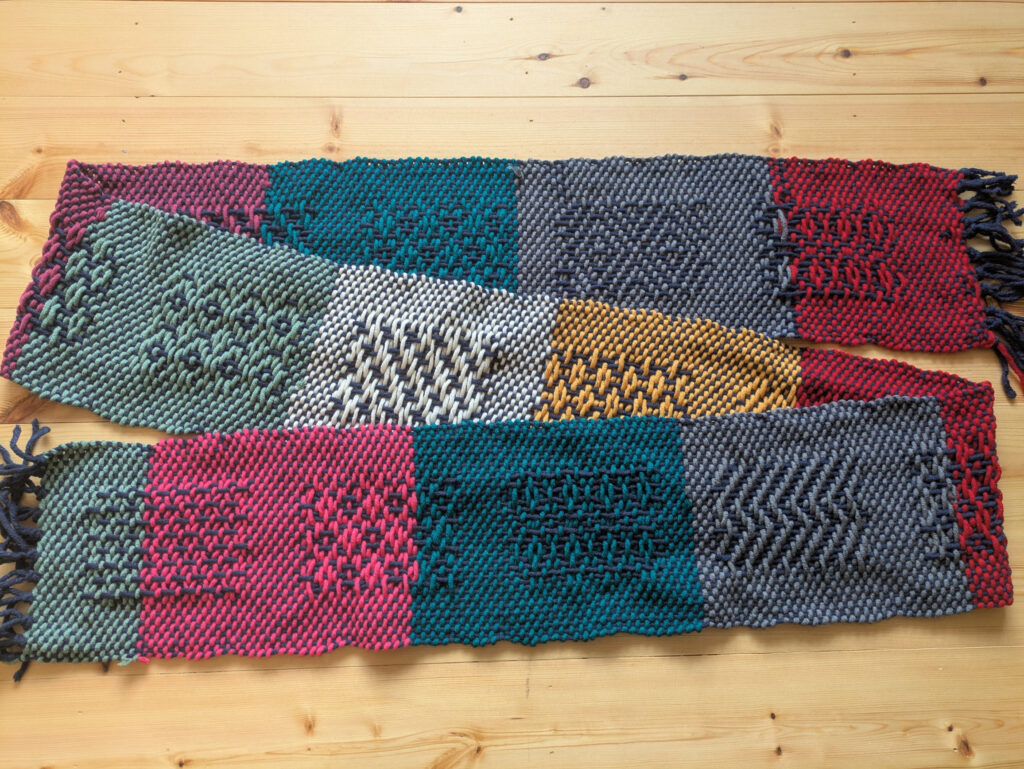
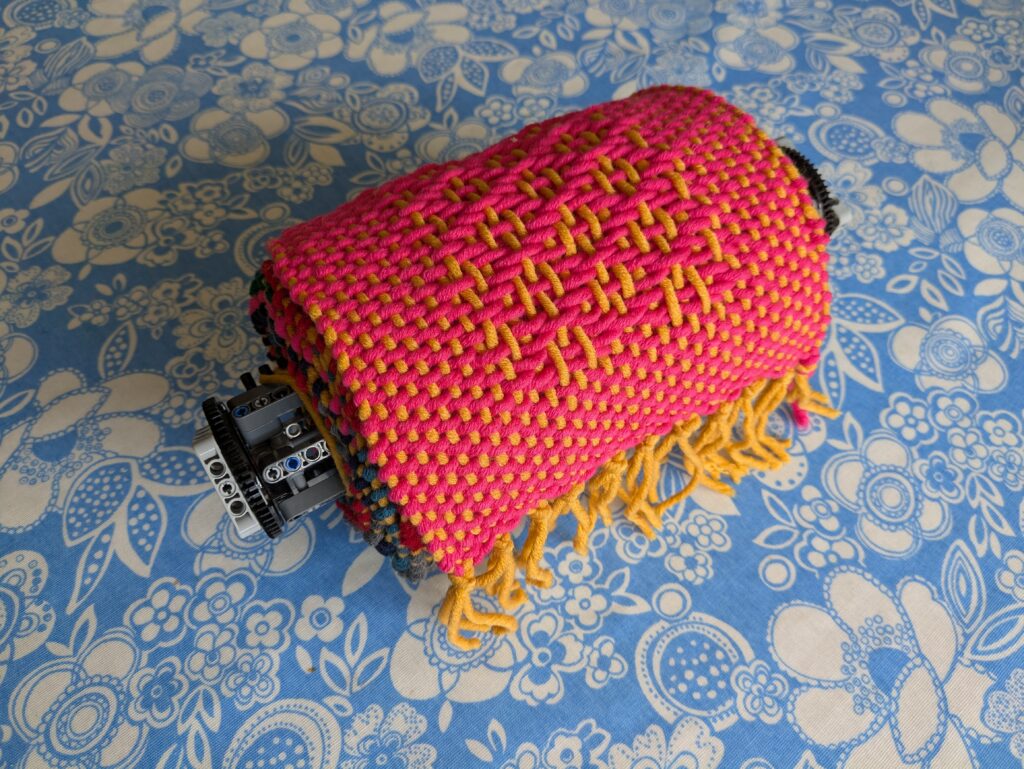
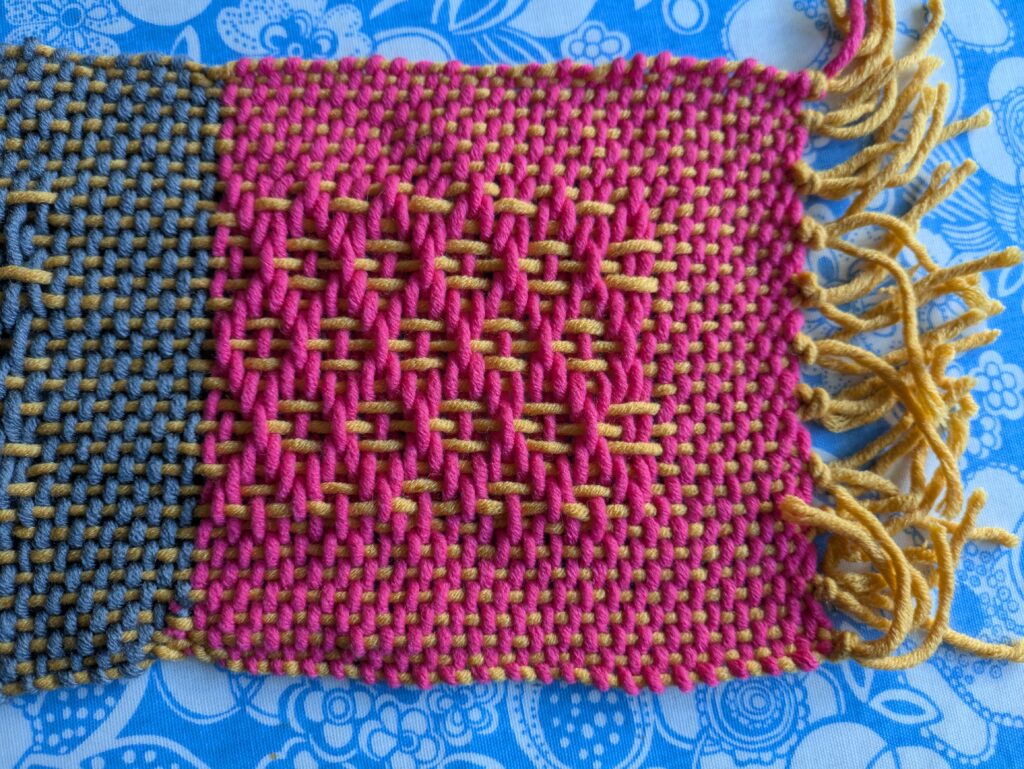
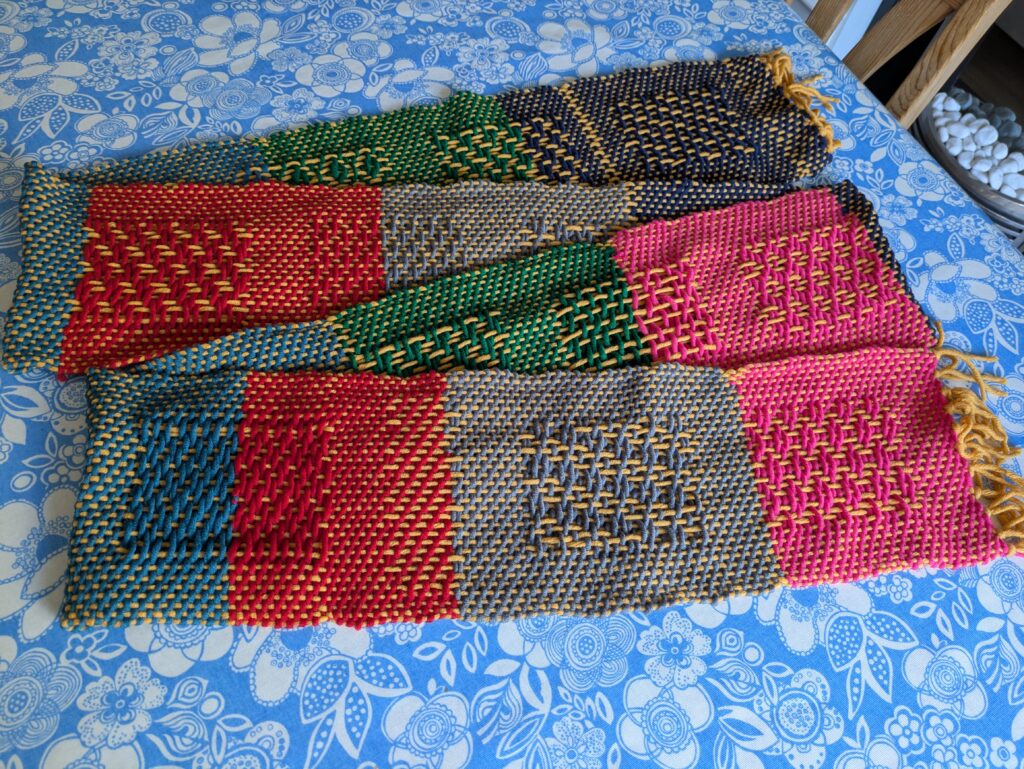
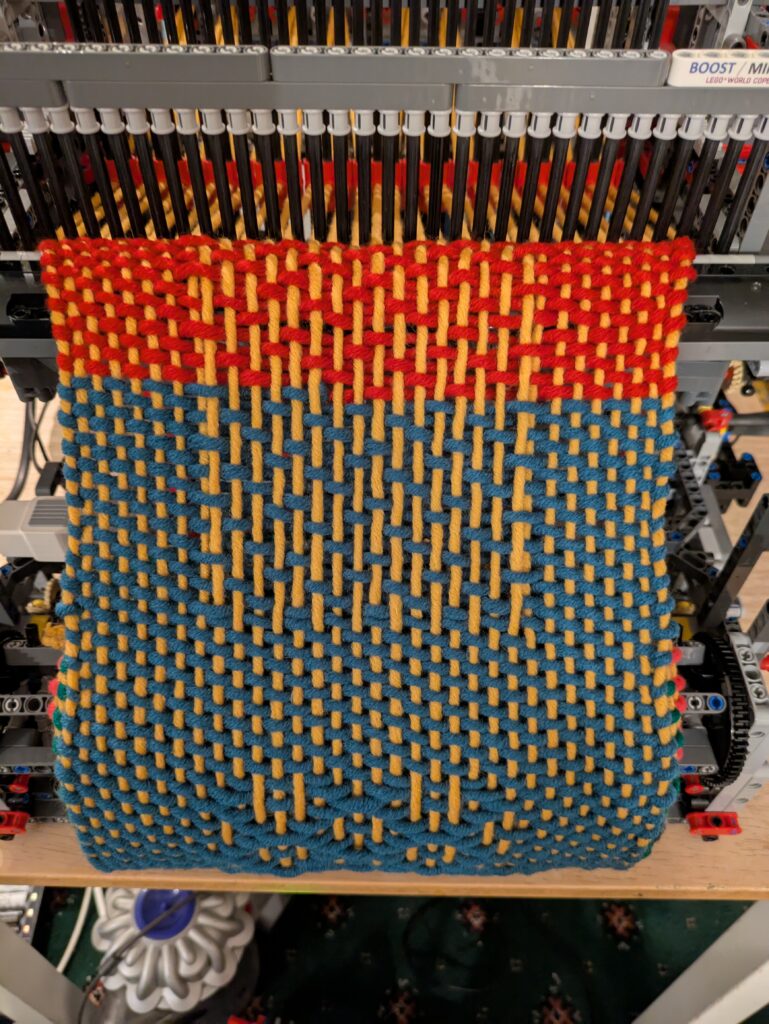
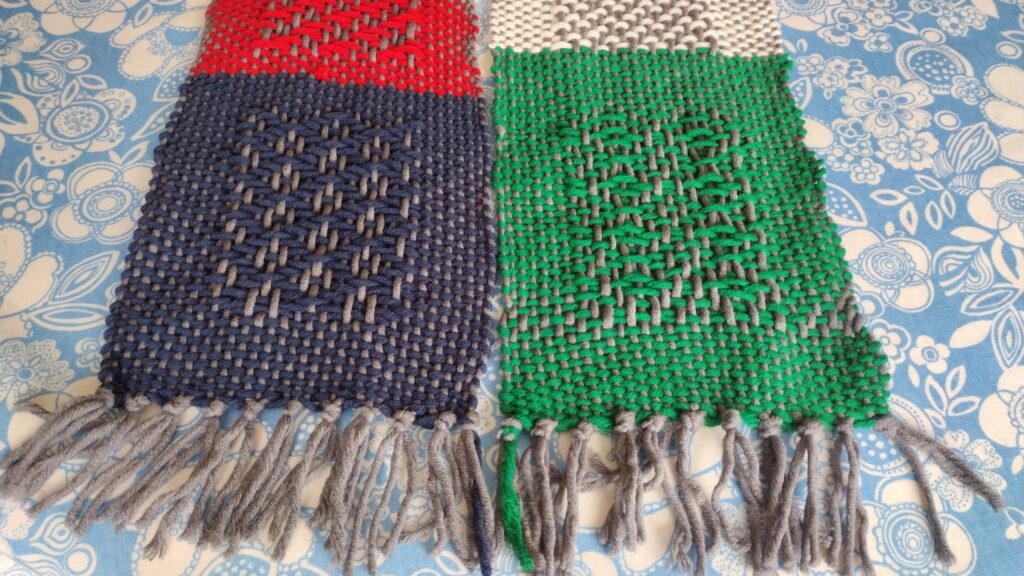
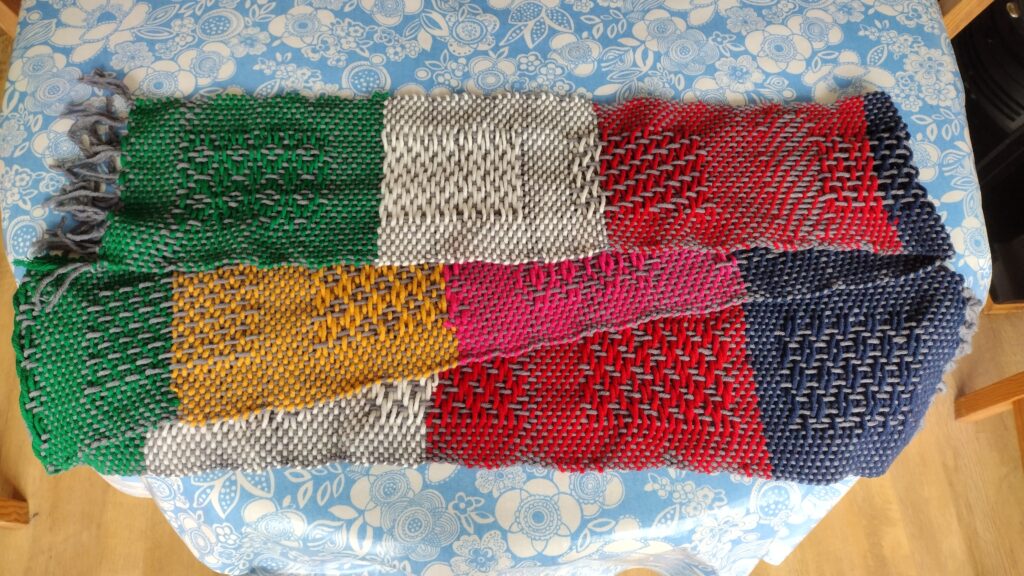
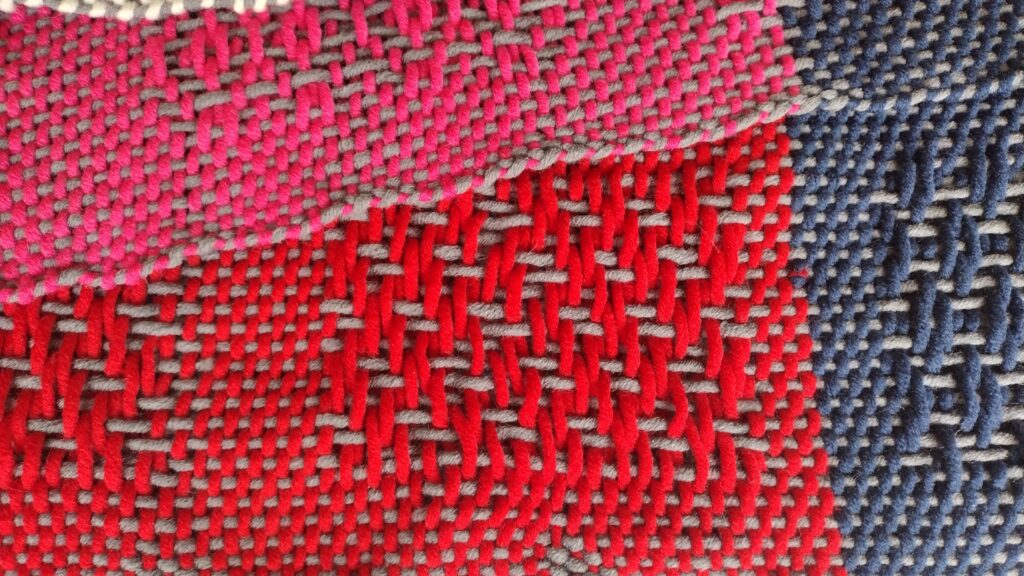
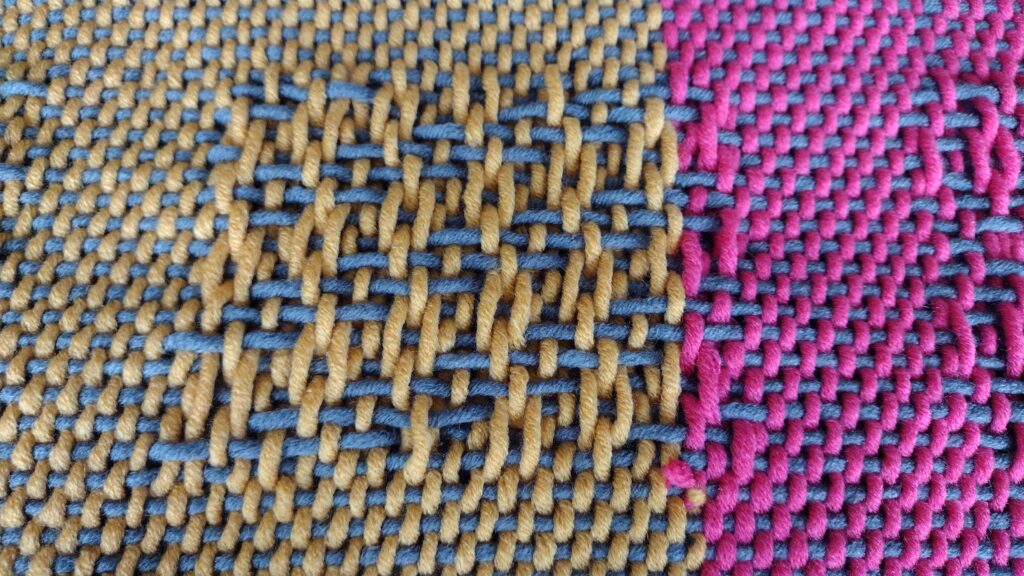
The loom behaved itself perfectly. It probably wove the best scarf it’s ever done! It still had yarn left in the bobbin frame at the end of the day, so I wasn’t able to finish the scarf during the show. I think that’s down to me starting the loom at 11am. I know that a 9am-5pm show will result in a completed scarf.
So, whilst I sit here and type, it’s currently doing a bit more weaving. I’ll finish it off in the next day or so, take some photos, and get it up on eBay with all the proceeds going to the Forget Me Not Children’s Hospice charity. So watch this space for the eBay link!